Monday, March 3, 2014

In-Depth Blog Coverage of New Short Film


I am proud to present my latest short film that I've been working on for the past few months! So without further ado, please enjoy! (And by "enjoy," I mean watch it in HD in full screen with the sound turned way up!)

TMA Creative Sample - Steven Bills from Bills Films on Vimeo.

It all Started with an Idea

So the idea for this film came to me one morning while I was working on my 1:48 scale P-40 Warhawk model. I was sanding some puddy from the joint where the wing meets the fuselage, and I thought, "What if I filmed this crashing and blowing up?" Then my next thought was, "I would need an actual reason to do that!" Well, as my luck would have it, I DID have a reason to do that. I am applying to the Media Arts program at BYU, and as part of the application, they require you to submit a "creative sample," a video which you have made recently. Anyway, this was back in the early part of January, and the application is due on March 3rd at midnight. So I had some time.

I had recently taken a Production Management class, where I learned about all of the details and the logistics that the producer deals with when making a film, and I knew that it all began with a script. So I sat down for a few days (in early January) and wrote the script. The sixth revision of the script became the shooting script that I marked up and used for the breakdown.
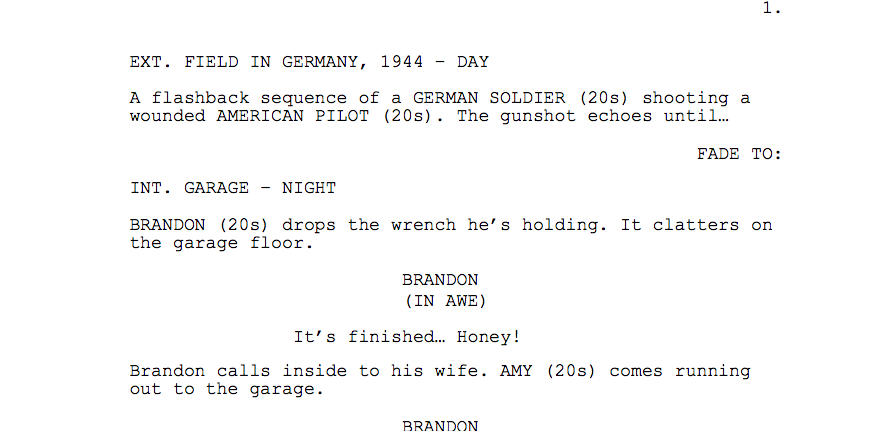

An excerpt from the sixth revision of the script
I did a script breakdown and made a shotlist as well:


Pre-Production

The script called for a lot of things that I wasn't sure I'd be able to pull off, one of them being a few shots of a P-40 flying through the air and crashing. I also knew that I wanted to do as many of the effects practically as I could, rather than in the computer (think ILM in the late 1970s). So instead of finding a CG model of a P-40 airplane and going through the process of animating it, lighting it, etc..., I went onto eBay and found a 1:32 scale plastic model (which, I came to find out, was originally released in 1967, and had been sitting in a guy's basement for 47 years! Also, another note about the model being from 1967: The normal process for applying the declas is to let them sit in a bowl of water for a few minutes, then put them onto the model. Well, I put them into the bowl of water and then went to apply them, and they literally disintegrated in my fingers! So I actually ended up using the decals from the 1:48 scale model on the 1:32 scale model, but I don't think anyone will mind). All the pieces were there, and it turned out to be a very quality model! Pics of the building process are below.
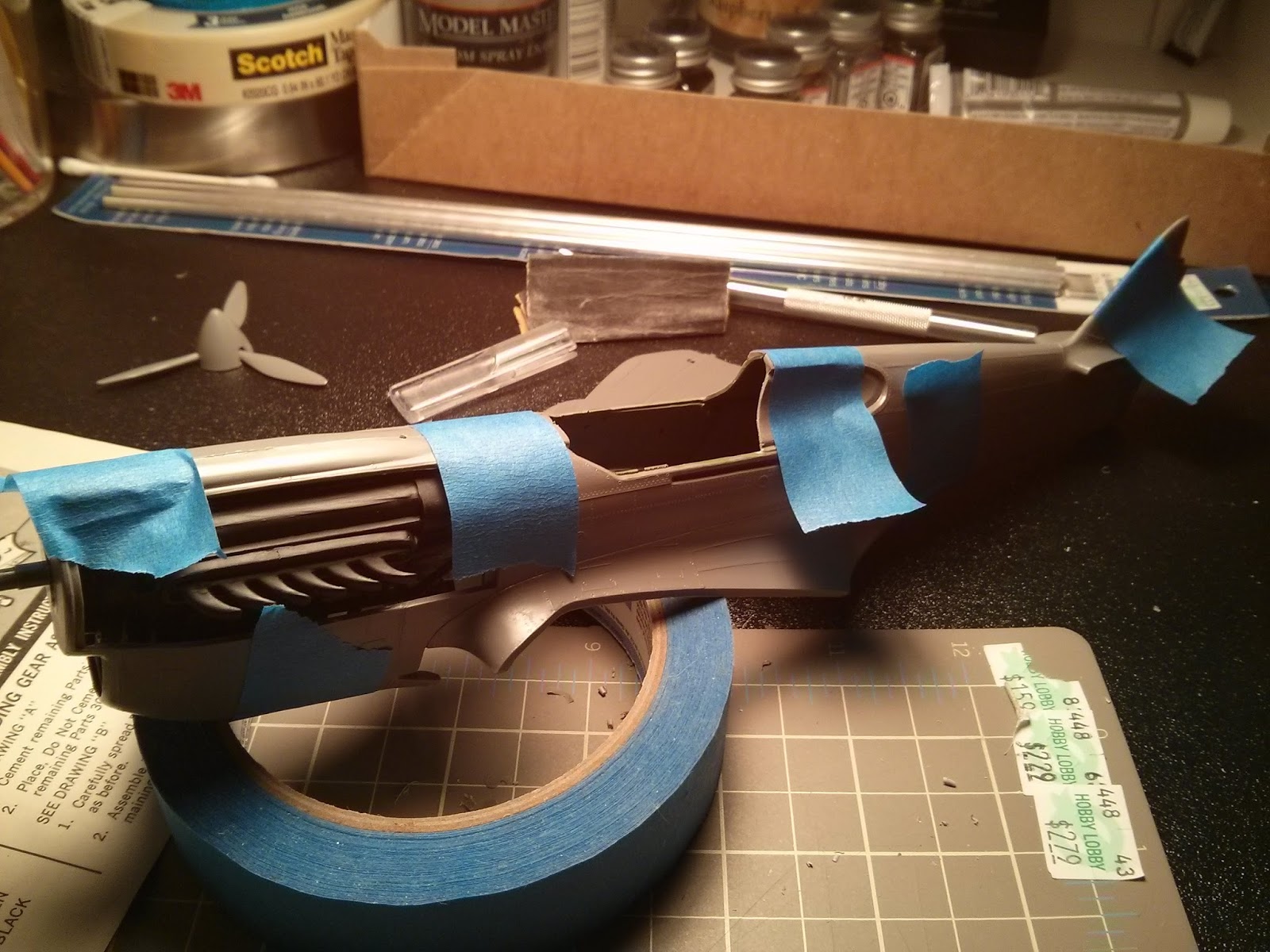
Tape holds the fuselage together while the glue dries


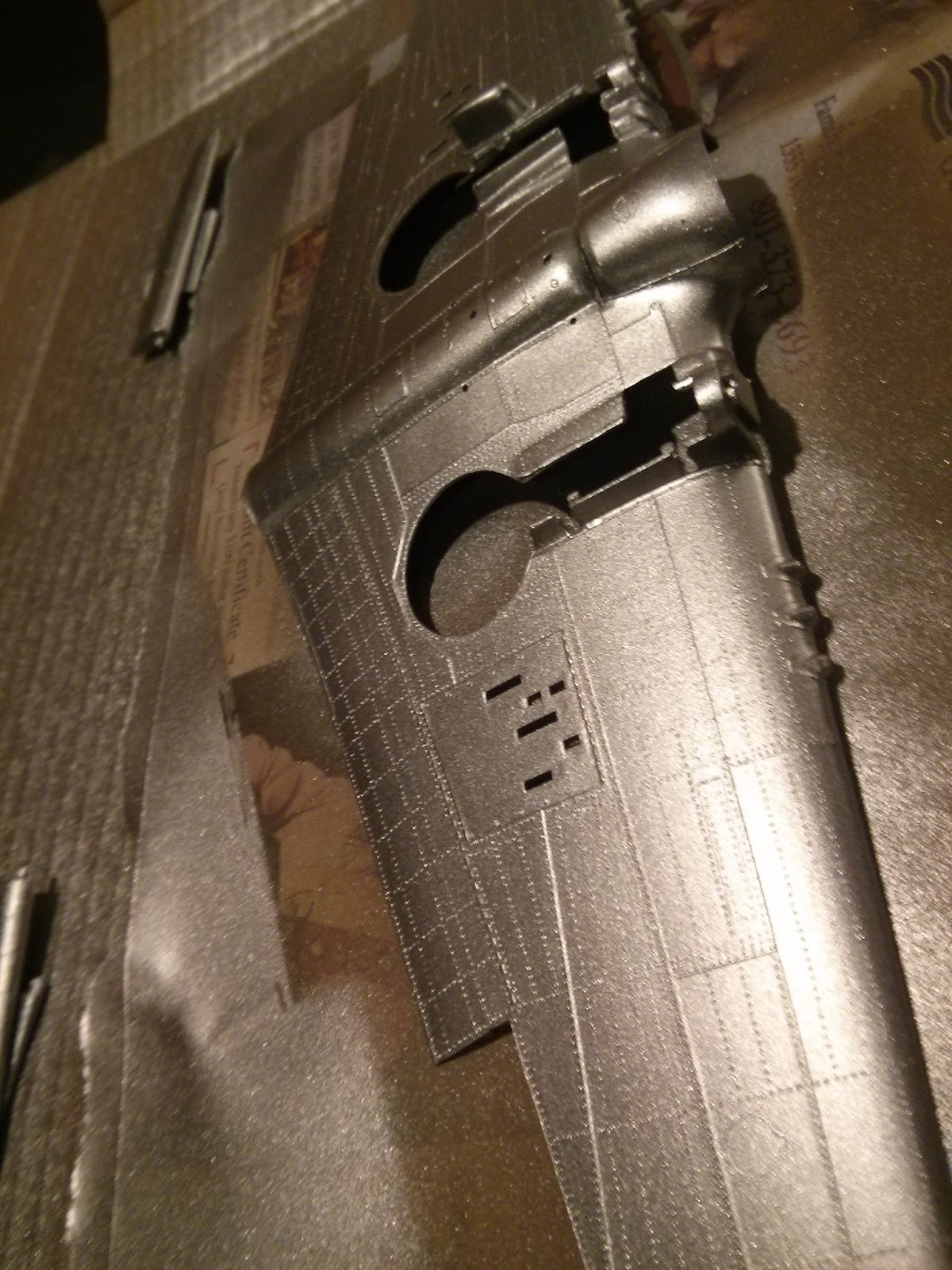
I painted everything silver first, so when I got to weathering the plane later the silver would show through the top coat of paint

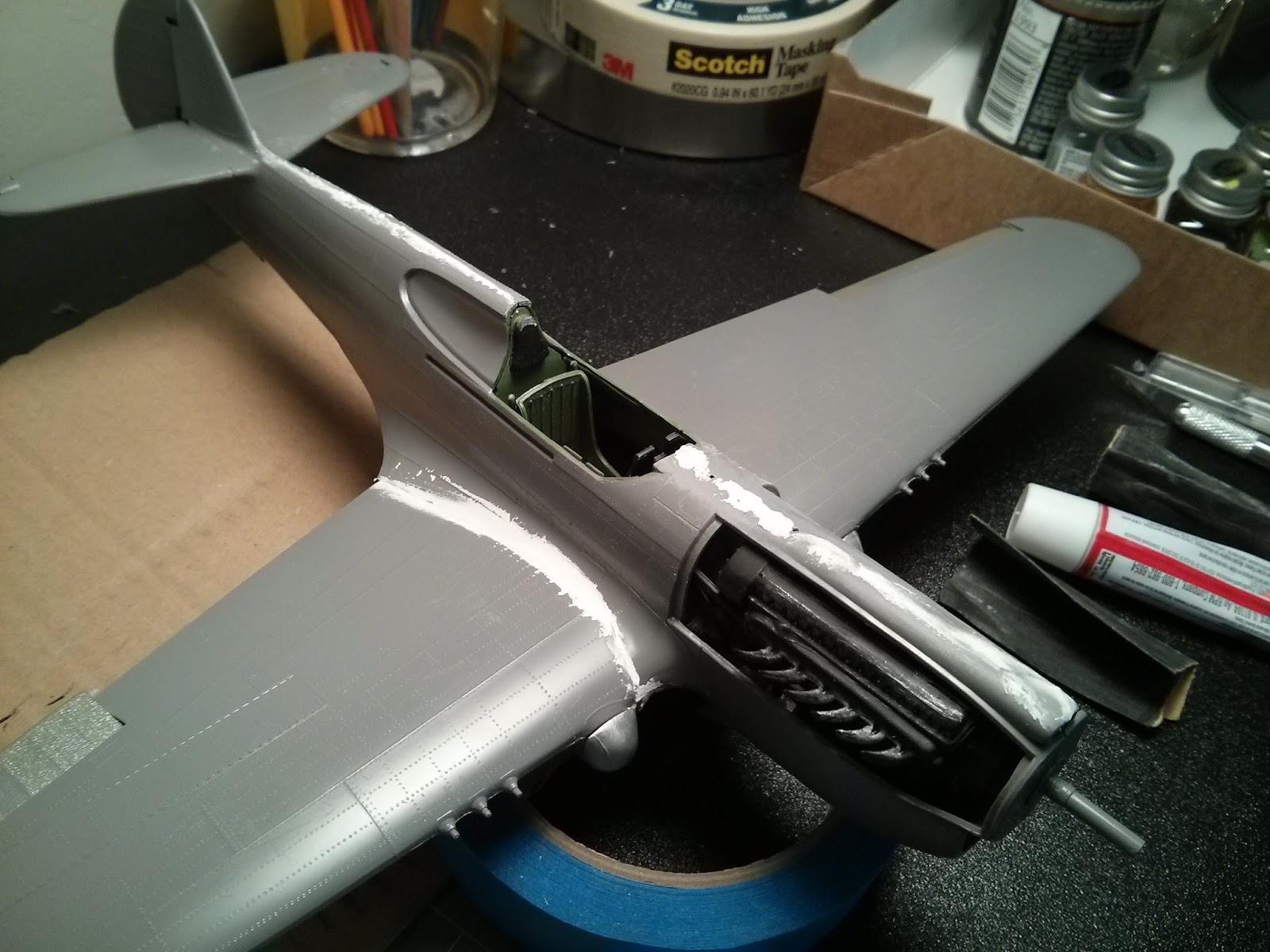
Adding puddy to the wing/fuselage joint, and along other joints that didn't glue together smoothly

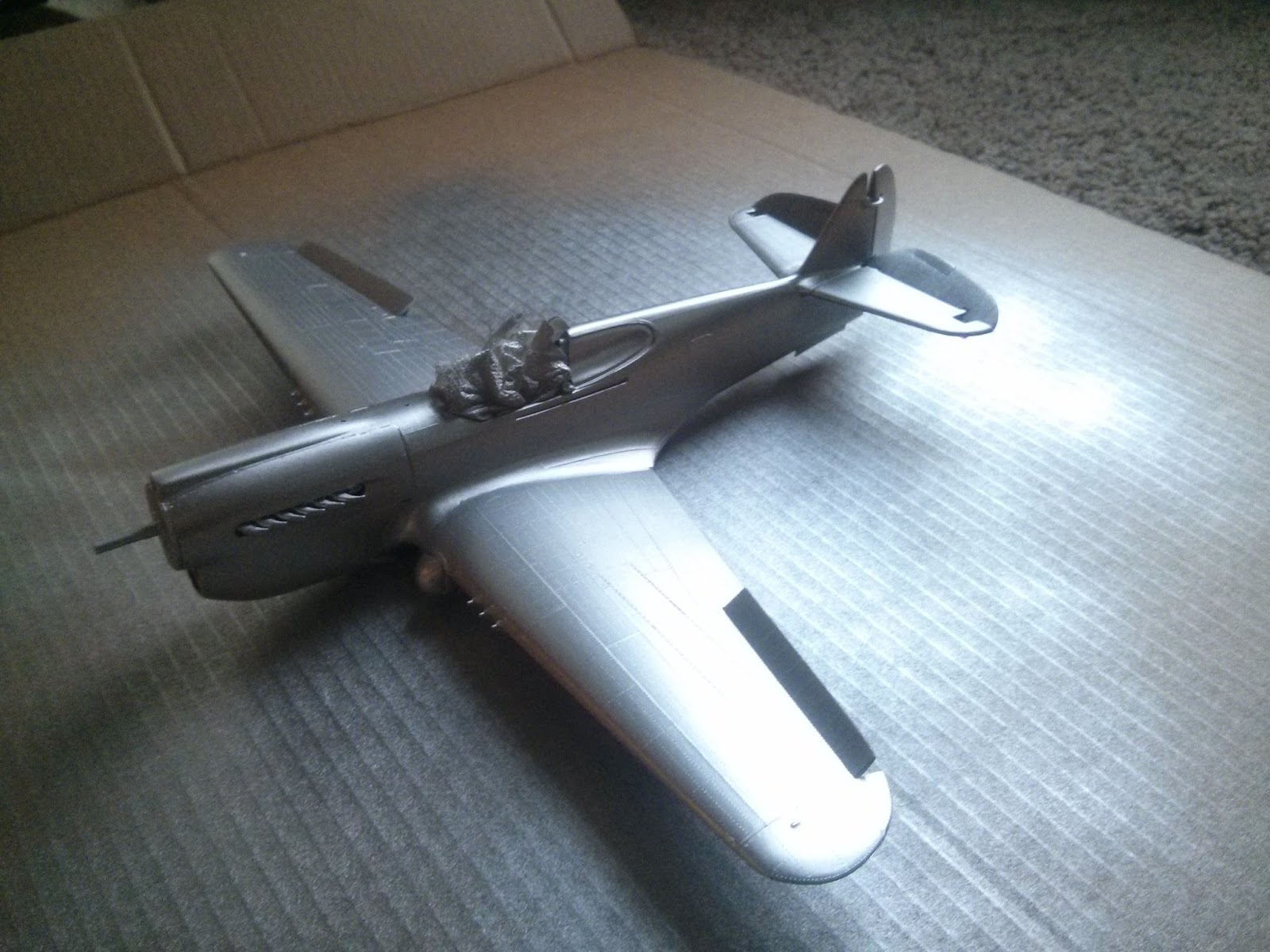
Painted the whole plane silver for weathering purposes

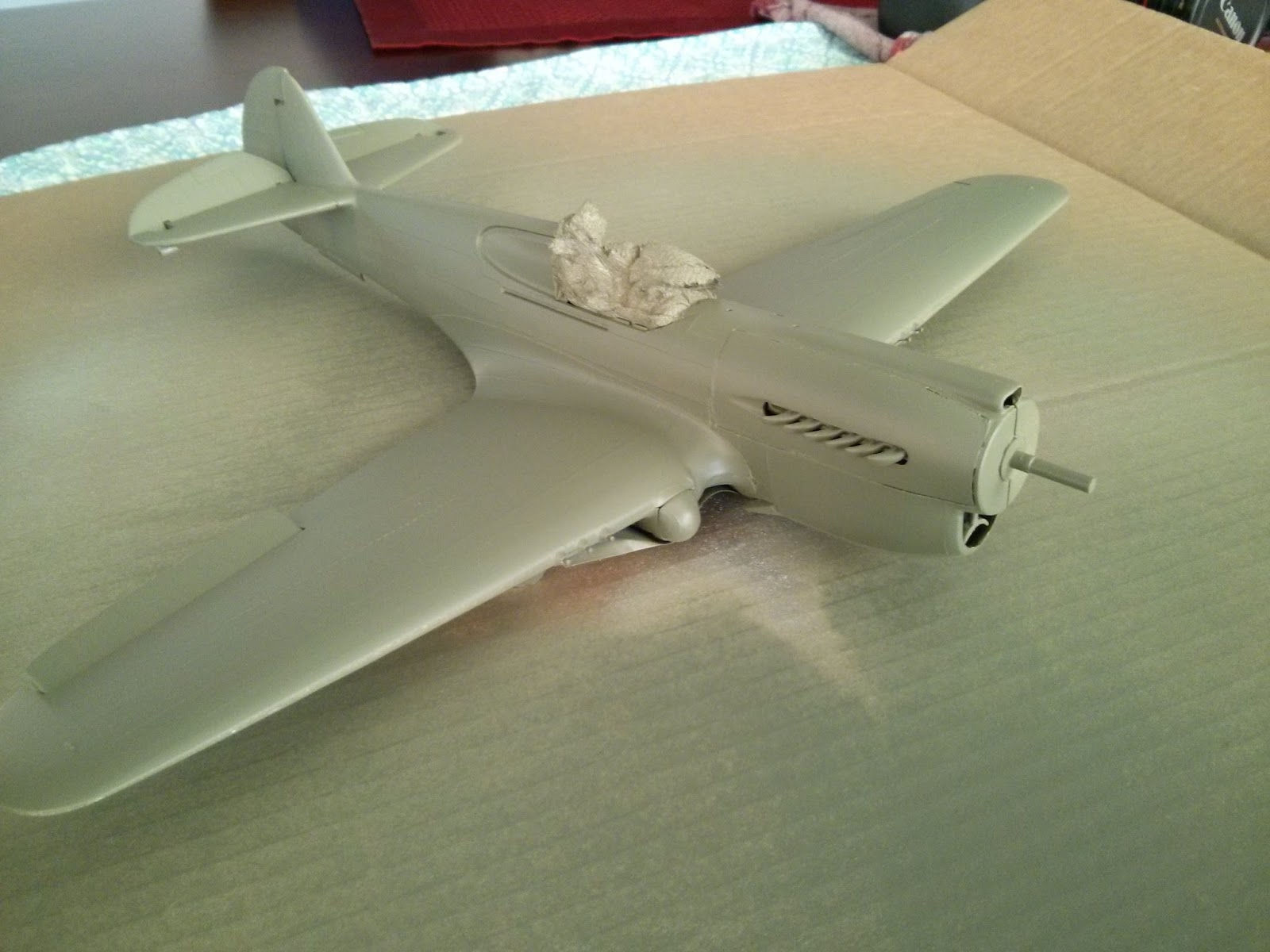
I decided to paint the topcoat a "bomber green" color, even though it's not historically accurate.

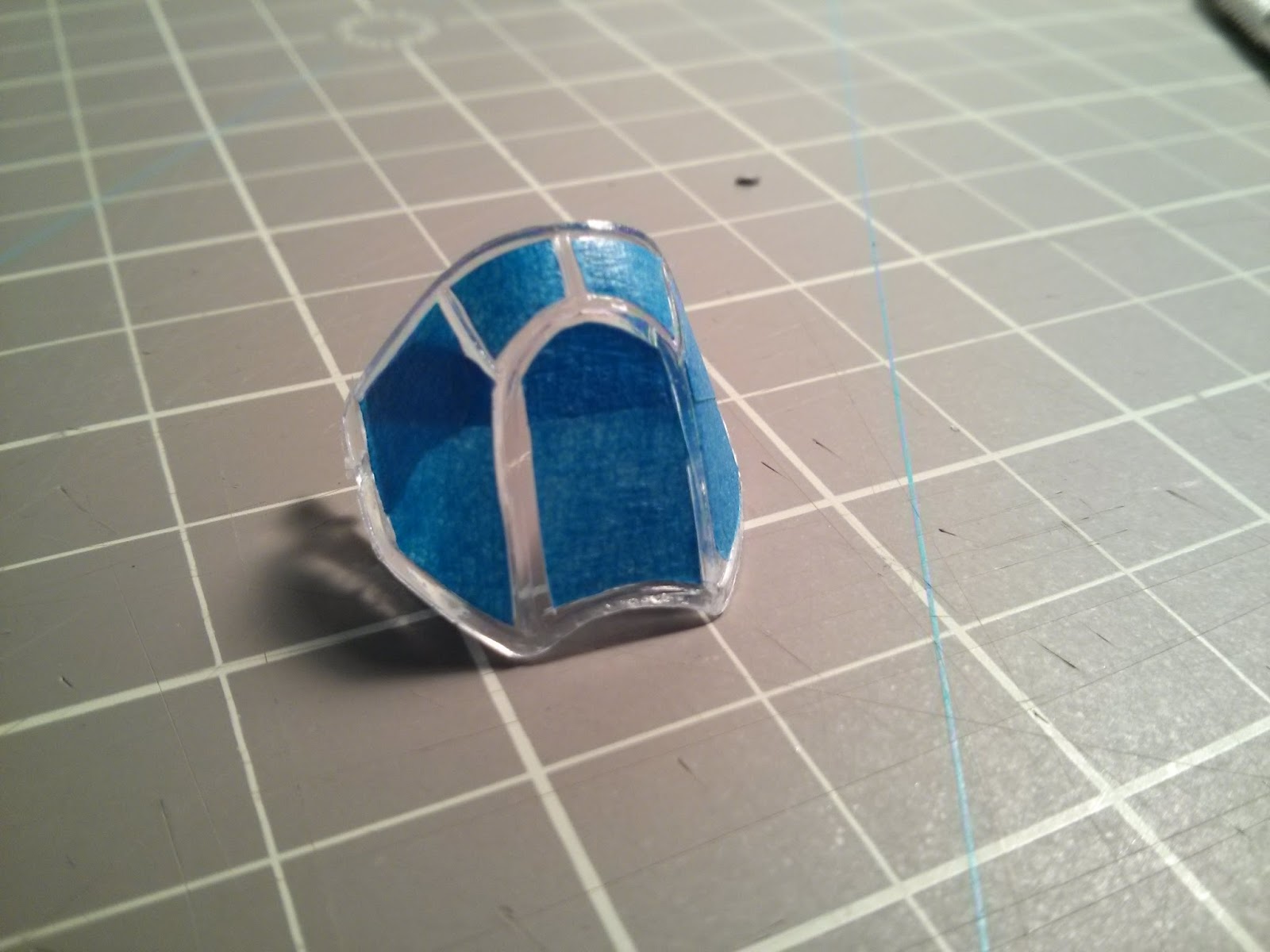
Masking off the canopy is tricky!

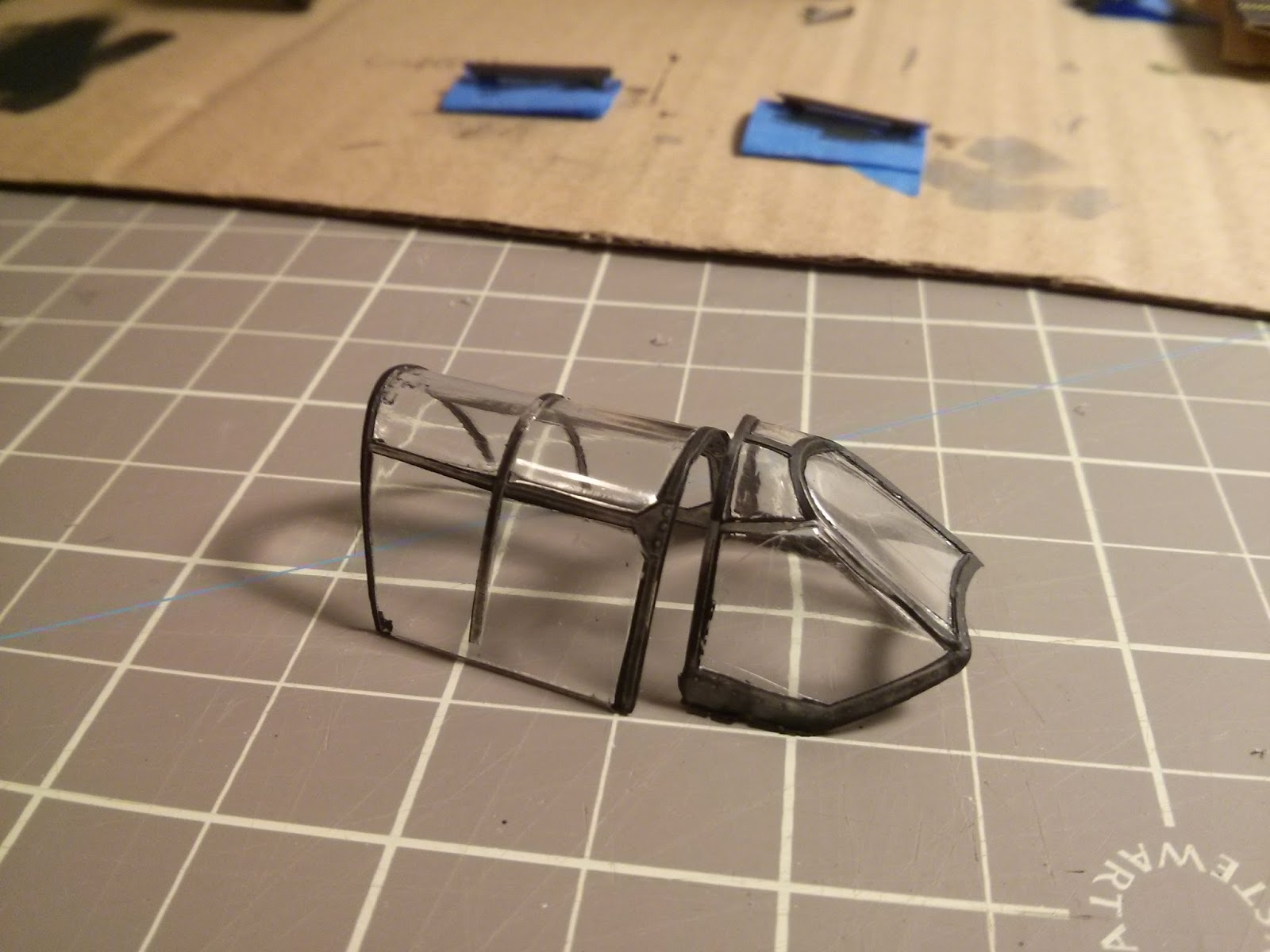
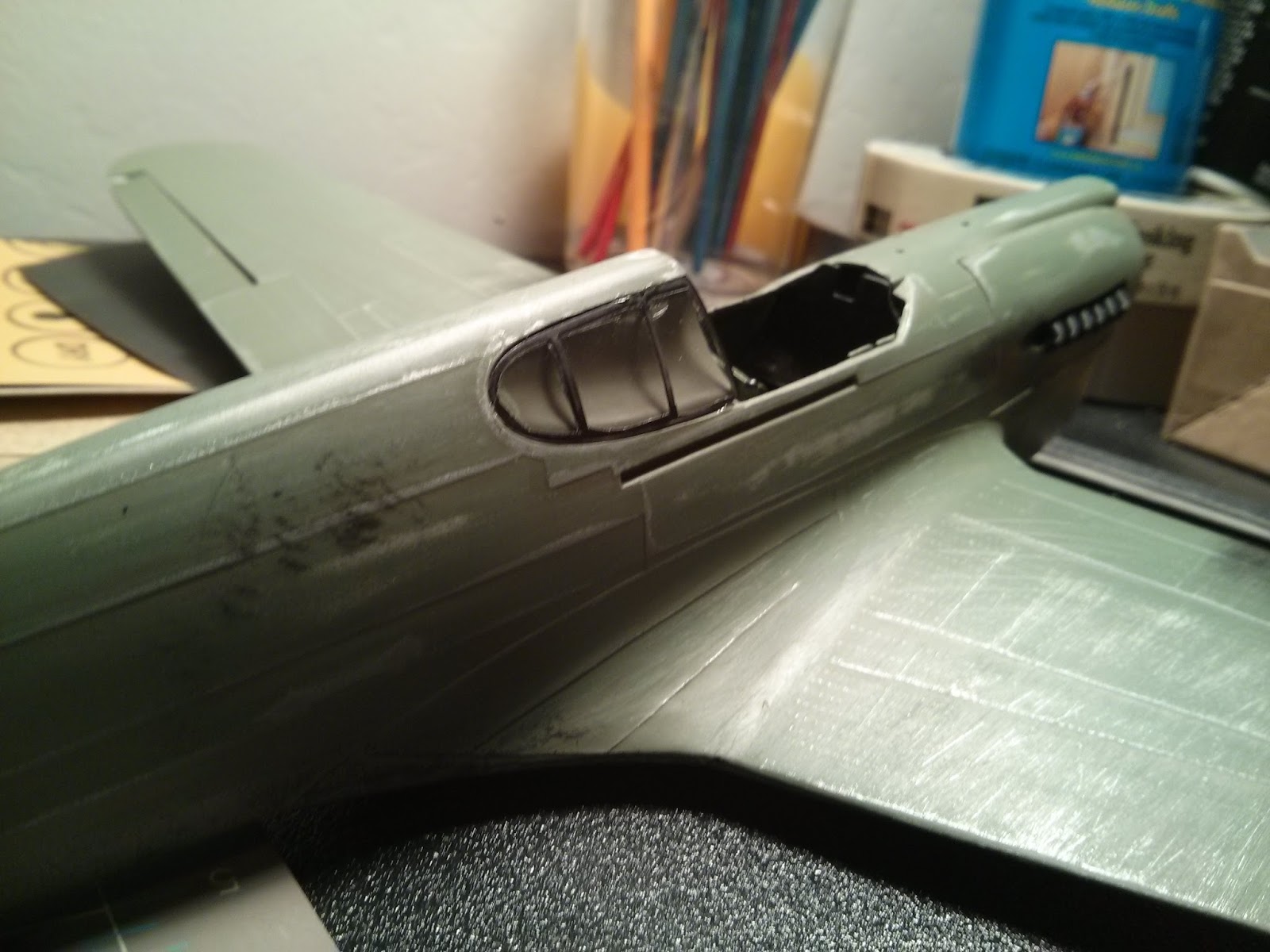
The painted canopy

You can see some of the weathering in this photo (the exhaust, the guns, etc...)

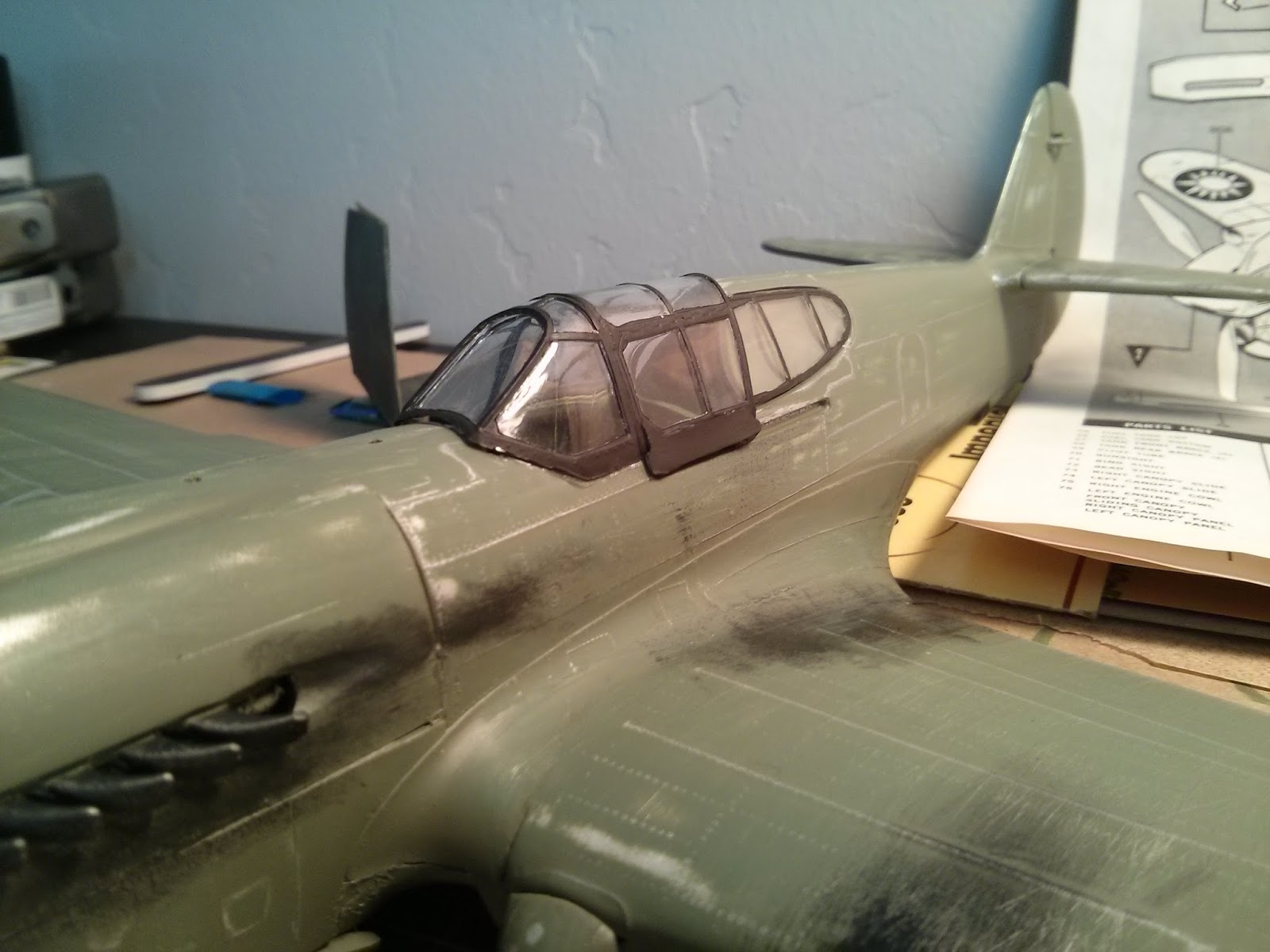
The attached canopy with weathering. I also added decals (which add a LOT to the look of the plane), but I didn't take a picture of them...
The propeller. I ended up gluing a 1/8" drill bit into the propeller so that it would spin evenly on it's axis when I was filming it.
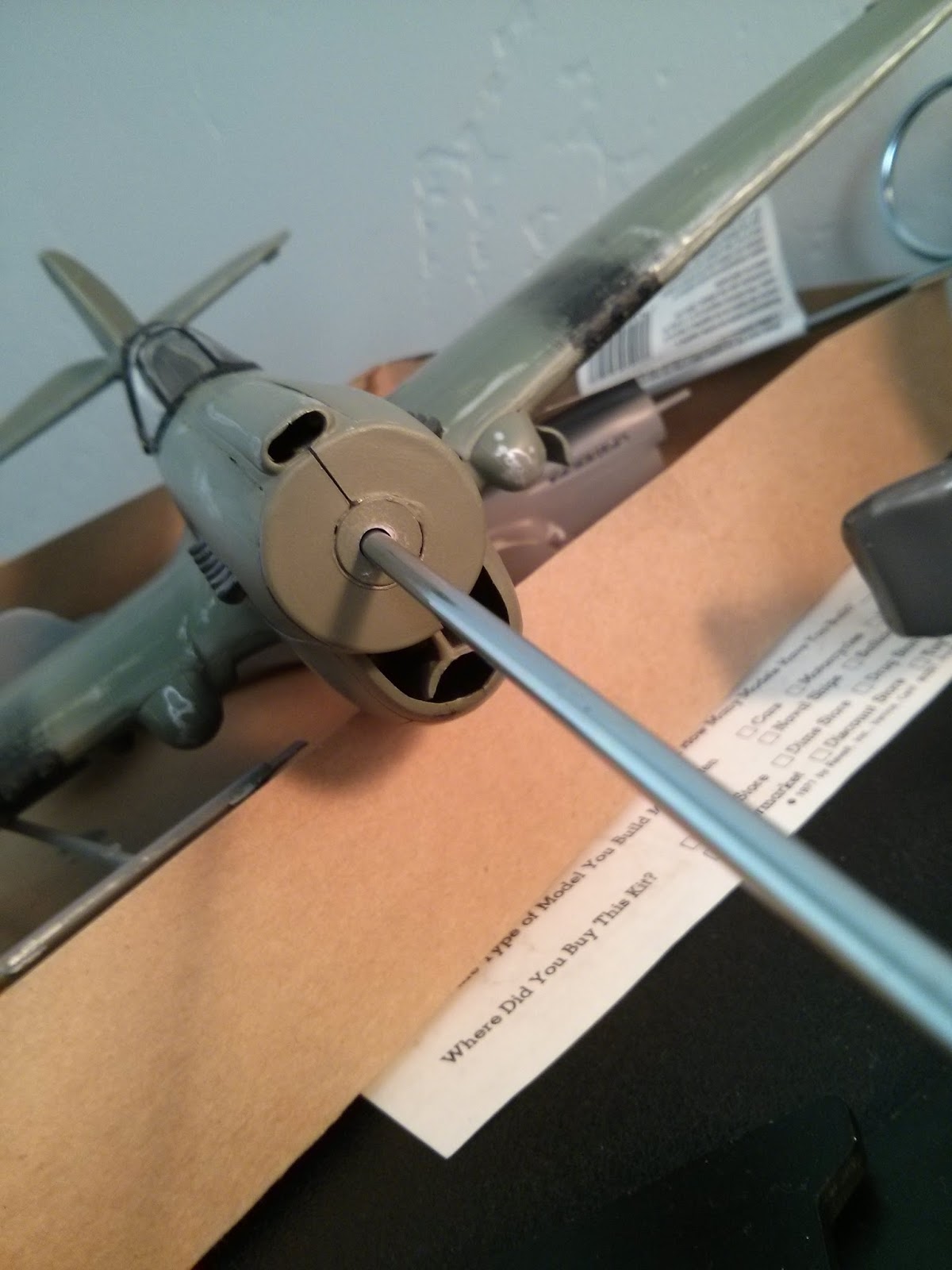
Glued a 1/8" steel rod into the plane so that I could control it when I was filming.

The model went together pretty quickly, as I was aiming for an early-February shooting date. While I was building the model though, I was also on the lookout for costumes for the German soldier and the American pilot. I was checking Goodwill and eBay constantly, and found some pretty decent props and wardrobe for pretty cheap. I found the German's helmet on Amazon for a few bucks, but when I got it, it looked like this:
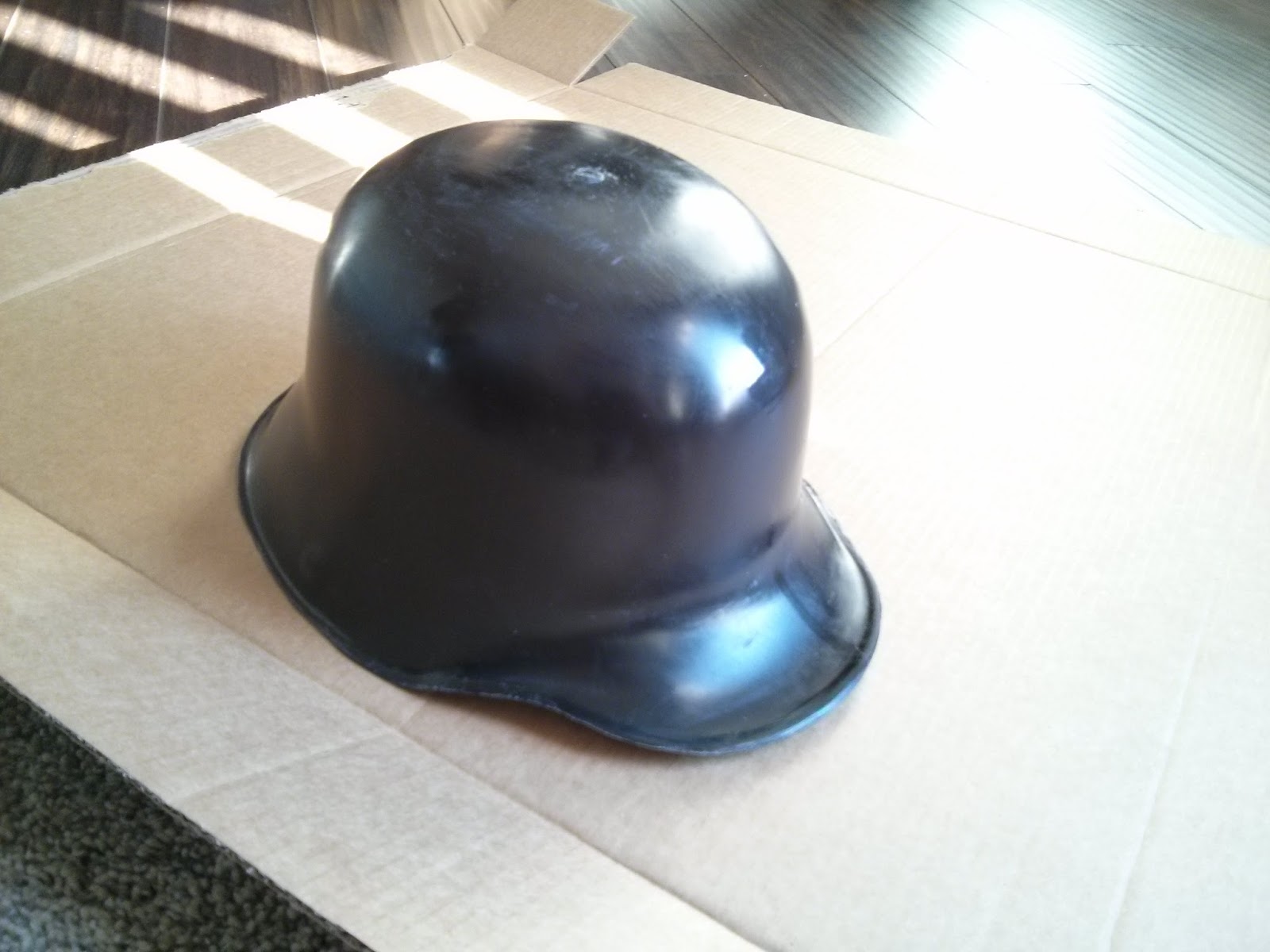
German helmet, before painting/weathering

So I trimmed around the edges with my knife to clean it up, and then painted it flat black, and then added some silver weathering to it to make it look old and beat up:
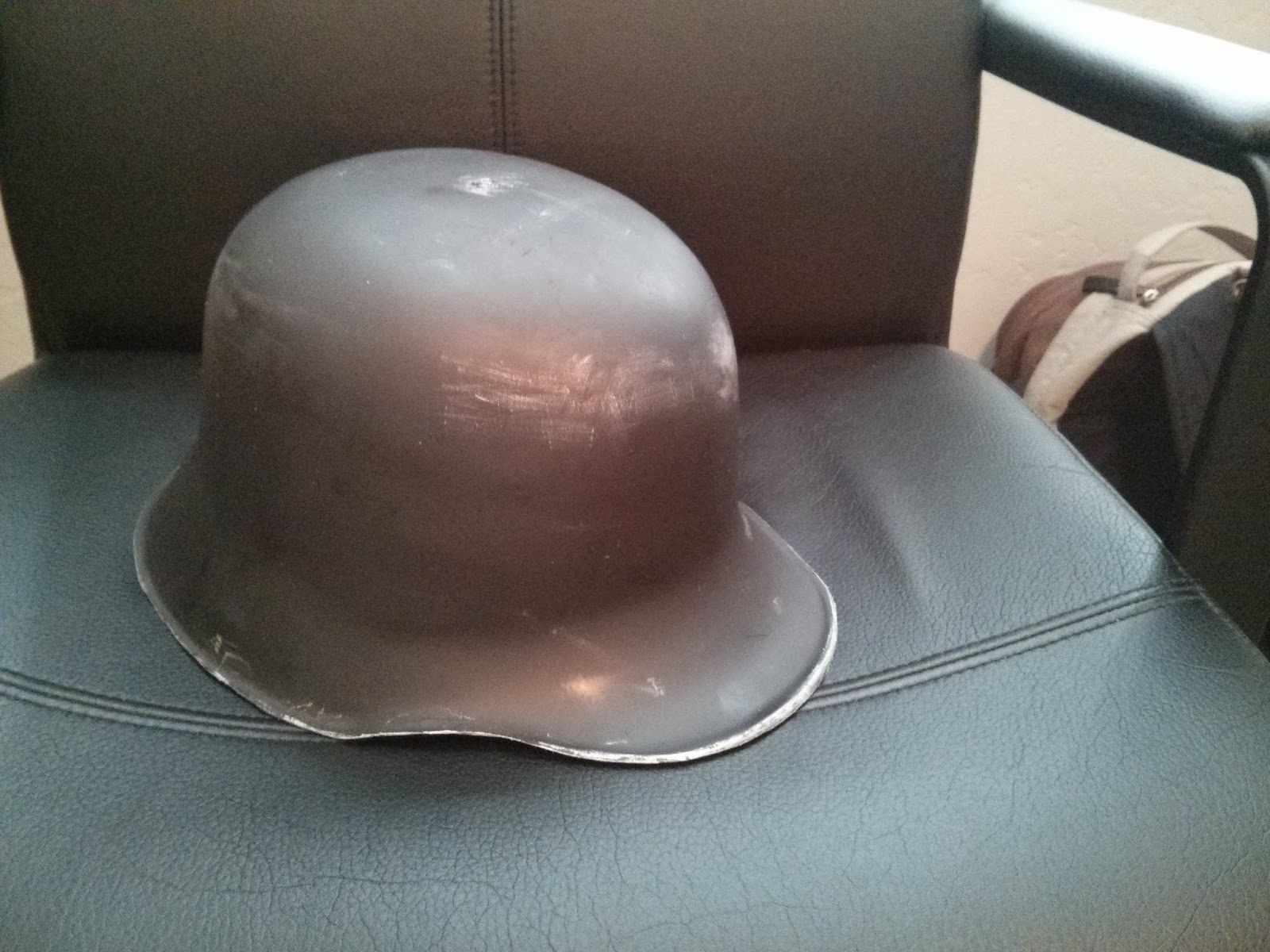
German helmet, after painting and weathering
I was also wondering where I was going to get the WWII combat knife that the pilot is carrying. Thankfully, I found this guy on Amazon for a couple bucks:
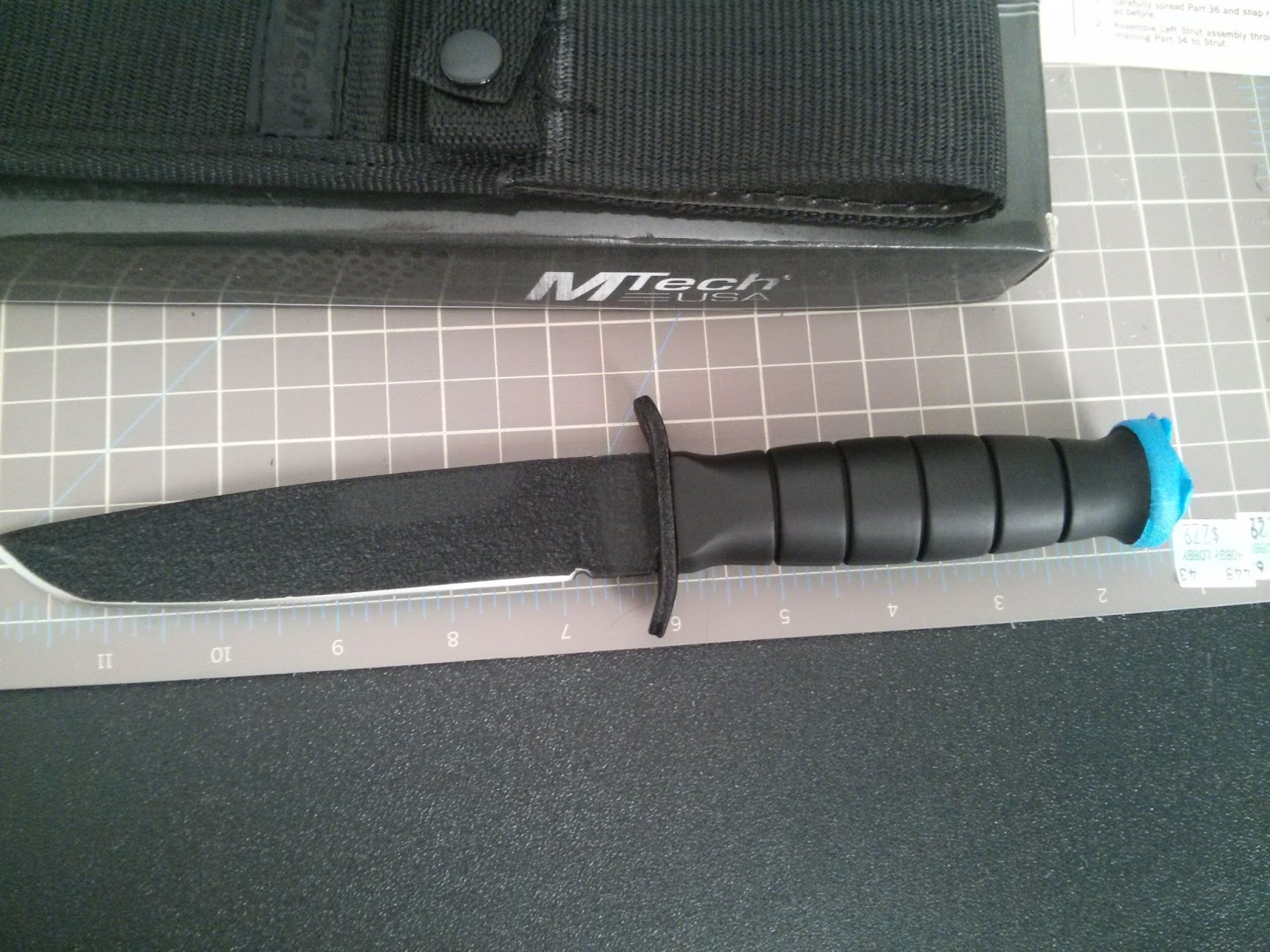

Knife before the Dremel tool...

I then took the Dremel tool to the blade and made it dull (ie: safe for filming!), and then took the black texture and paint off the blade as well. I also painted the handle a "wood" color (I know it doesn't really look like wood, but it worked!):
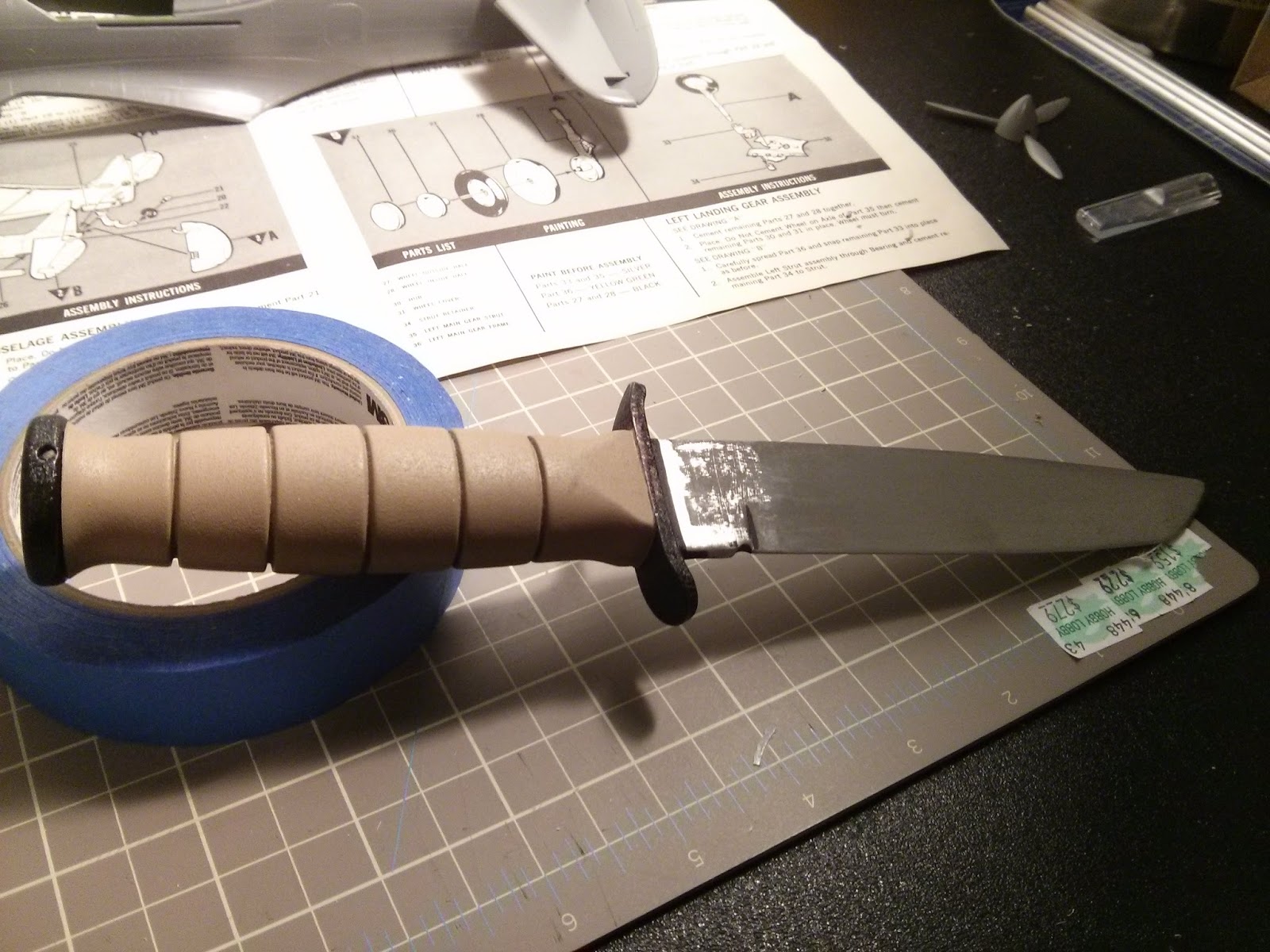
The knife after the Dremel tool and paint

I found the Pilot's costume at Goodwill:
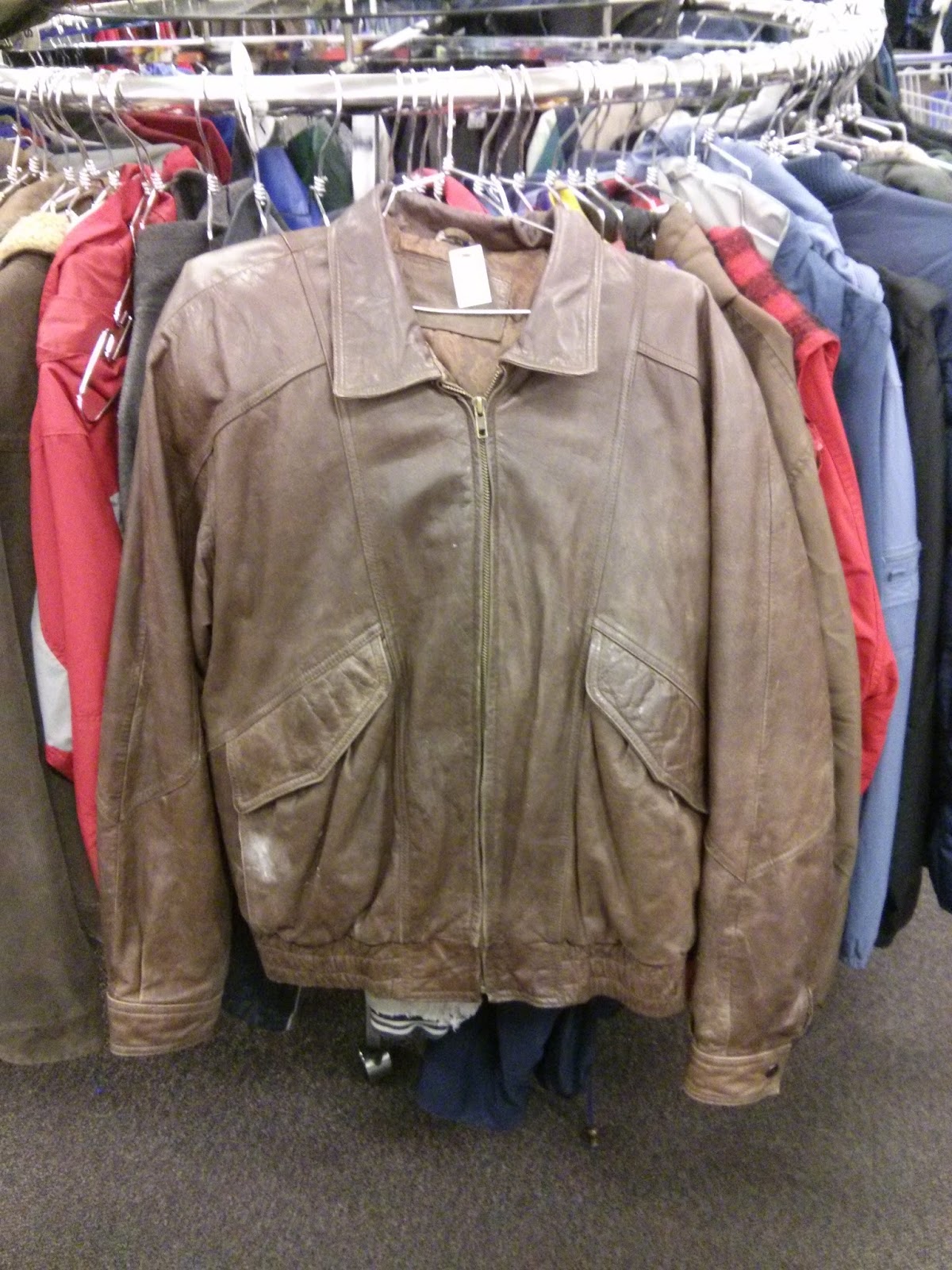
Leather Jacket for the pilot. 

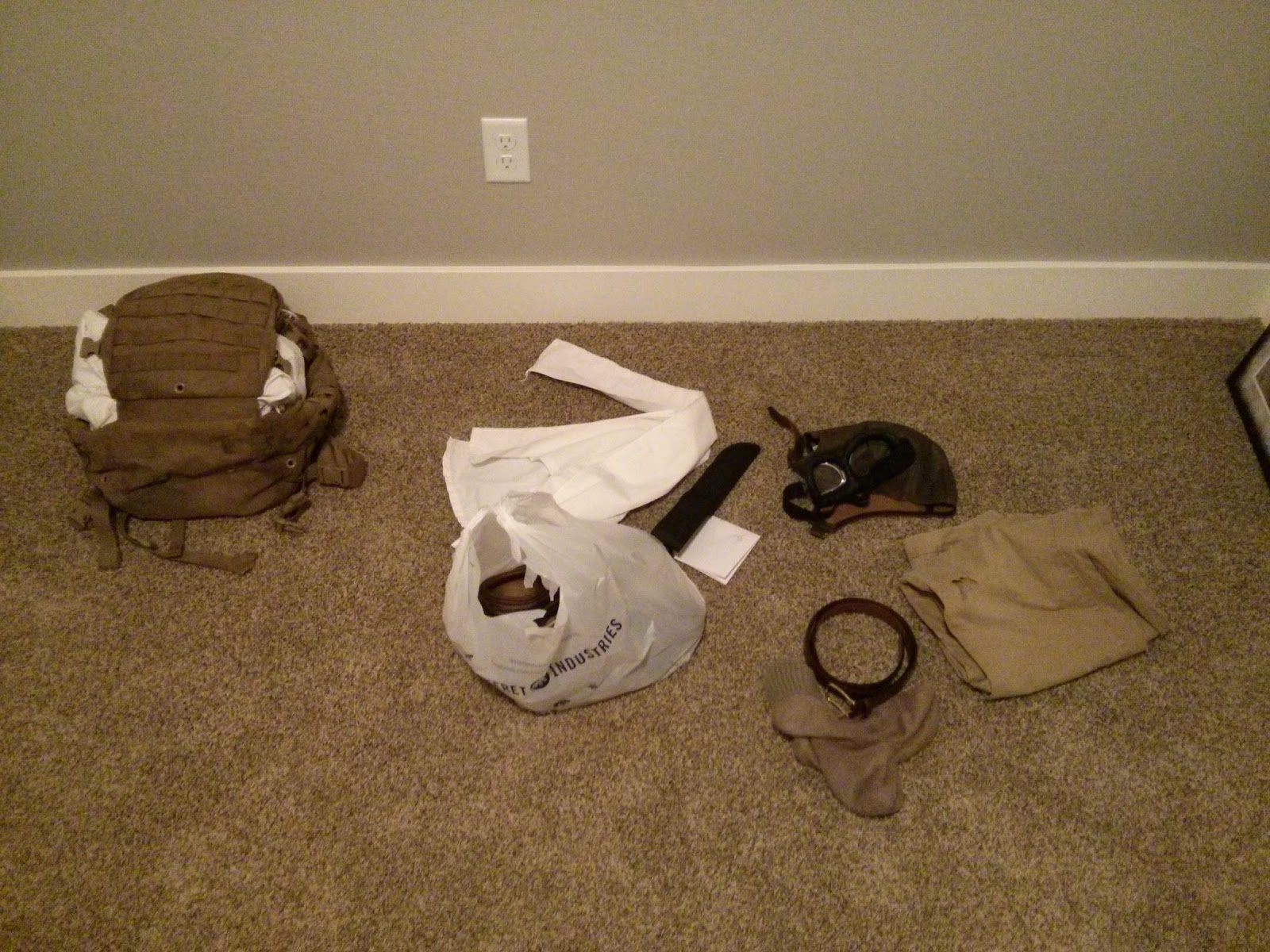
The leather skull cap and goggles were found on eBay for just a few dollars. I'll get to the parachute in a moment.

I also found the German's costume (the jacket, pants, boots and gloves) at Goodwill:
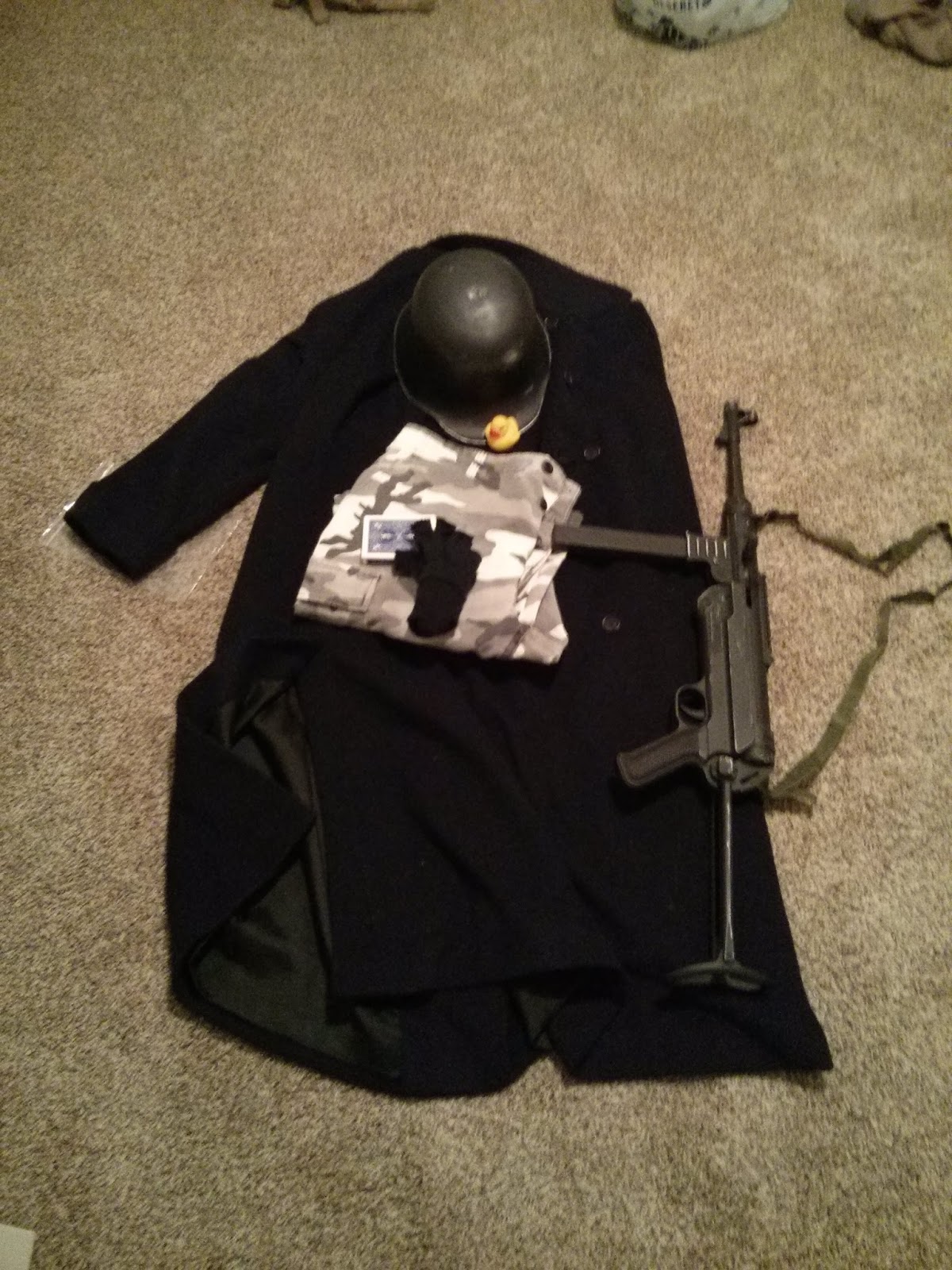
Found the MP-38 airsoft gun on eBay and painted it and weathered it so that it looked more authentic.

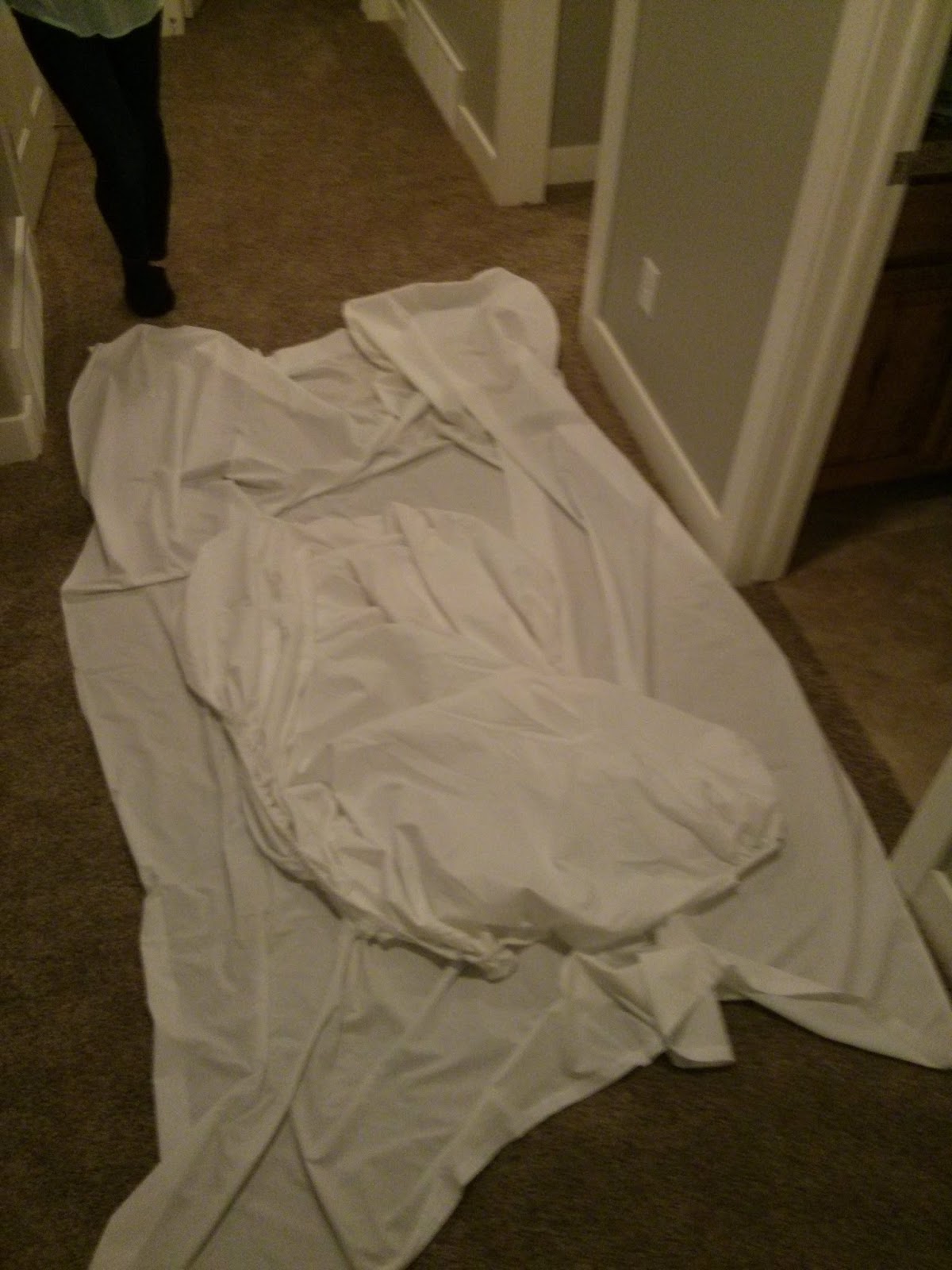
The parachute was an interesting challenge. The script called for the American Pilot to bail-out of his crashing P-40, and to parachute to the ground. Where was I going to get a parachute? Well, I found an Army Surplus store locally who rented out parachutes for events (like weddings), so I went in and asked them how much it would cost to rent a parachute for a day. They said $79 per parachute, with a $200 deposit. I didn't have that sort of budget for this short film, so I thanked them and went back to Goodwill! I ended up getting two queen-sized white bedsheets for a few dollars a piece, along with 100' of paracord. I went home and bribed my wife into sewing these two sheets together into something that slightly resembled a parachute:
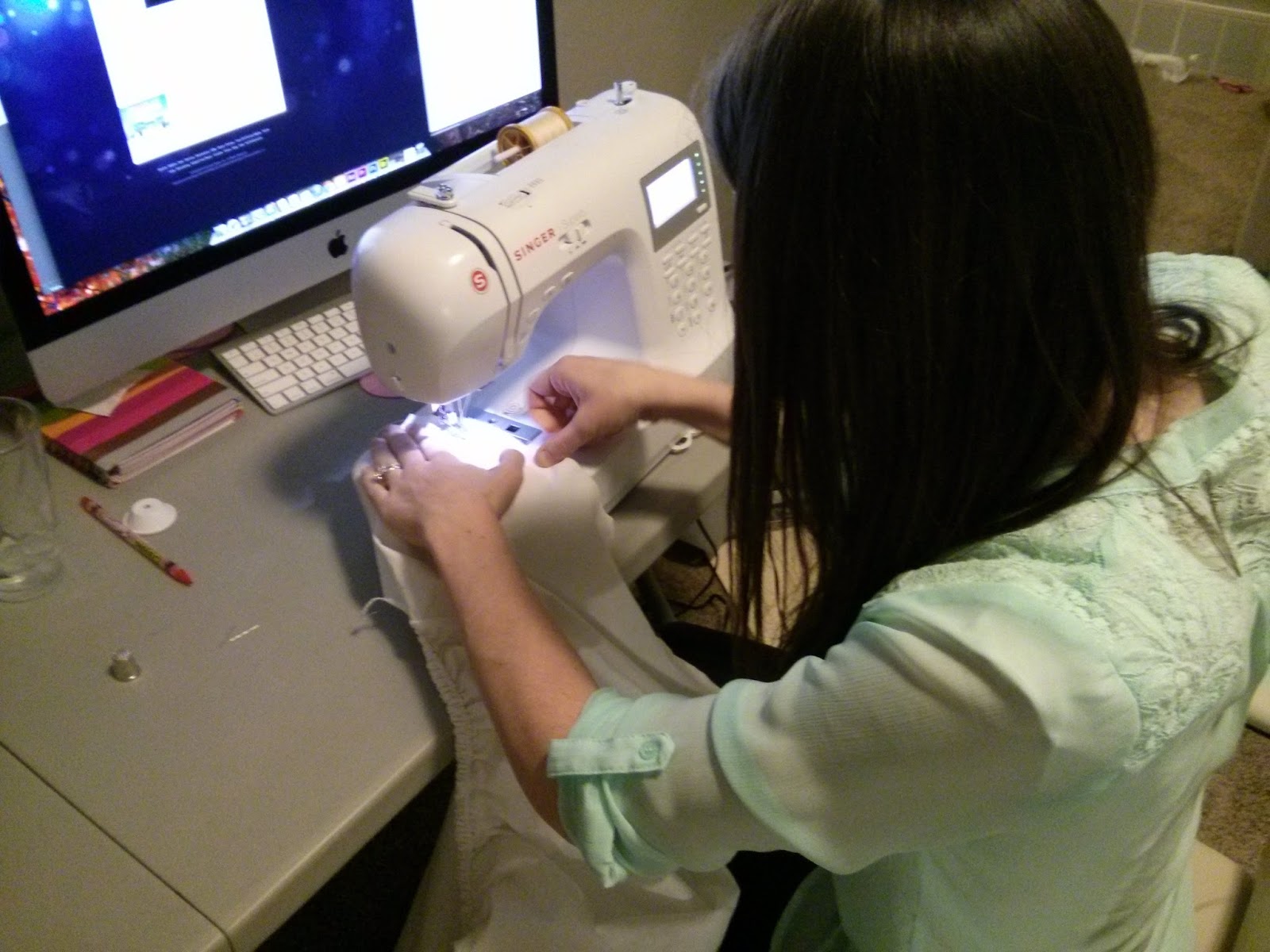
My wife is the best! AND she knows how to sew!

Just looks like a big white mess of fabric.
I cut eight lengths of 10' paracord, and attached them to the parachute using simple knots I learned back in Boy Scouts, and vwalla!! There's my $10 parachute!

So I had most everything ready for the shooting day, which was just over a week away, but I didn't have any actors cast yet. Yeah, I might need actors if I am going to make a short film! I really wanted the German to be somebody who had that German "look," and someone who spoke the language fluently (because I feel that you just can't fake it!). Luckily, my wife knew a friend from High School who fit both of those categories, and he was ready and willing to help me out:
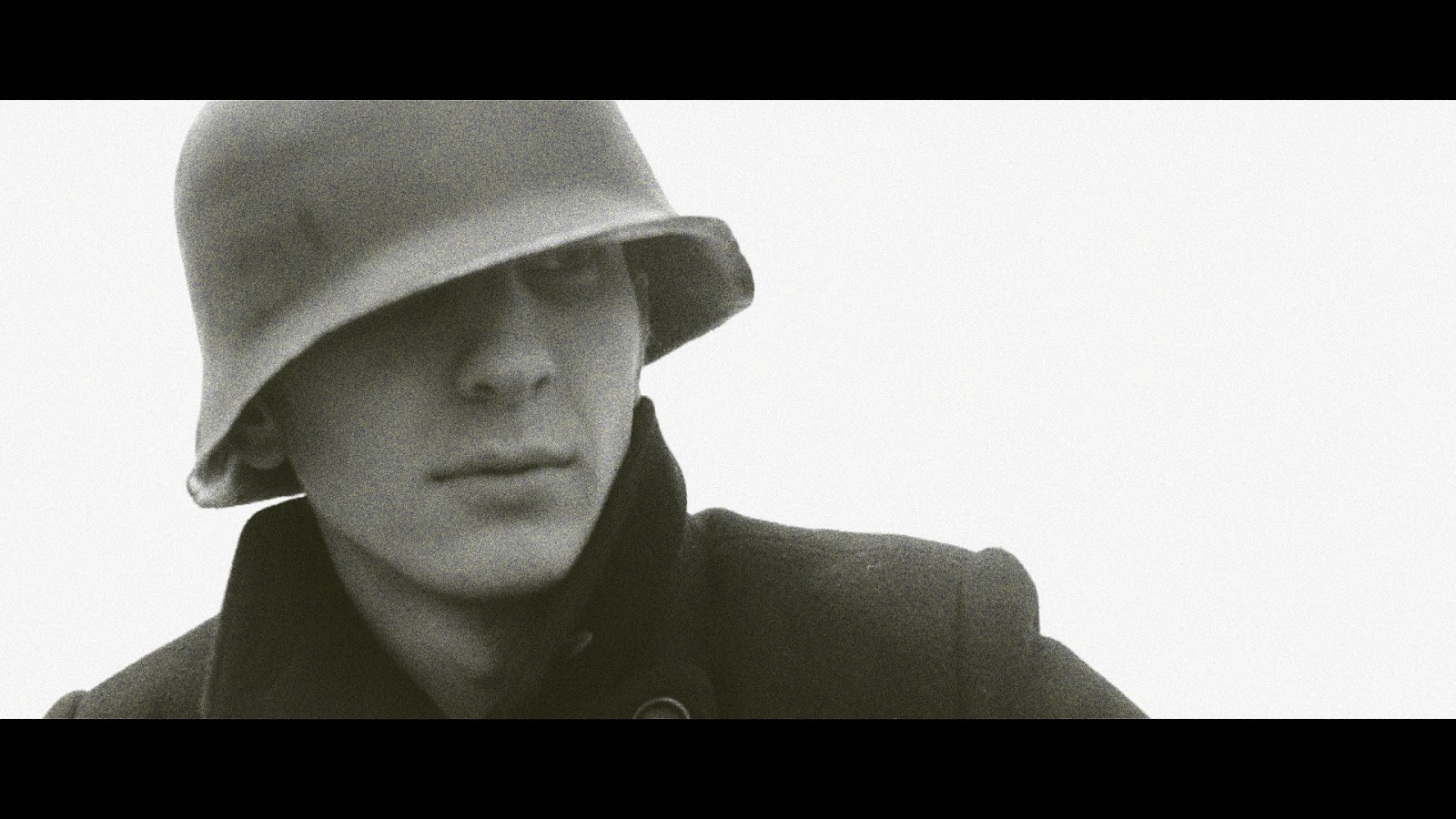
Josh both looked and acted the part
For the American Pilot, I cast my cousin, who I've collaborated with in the past:
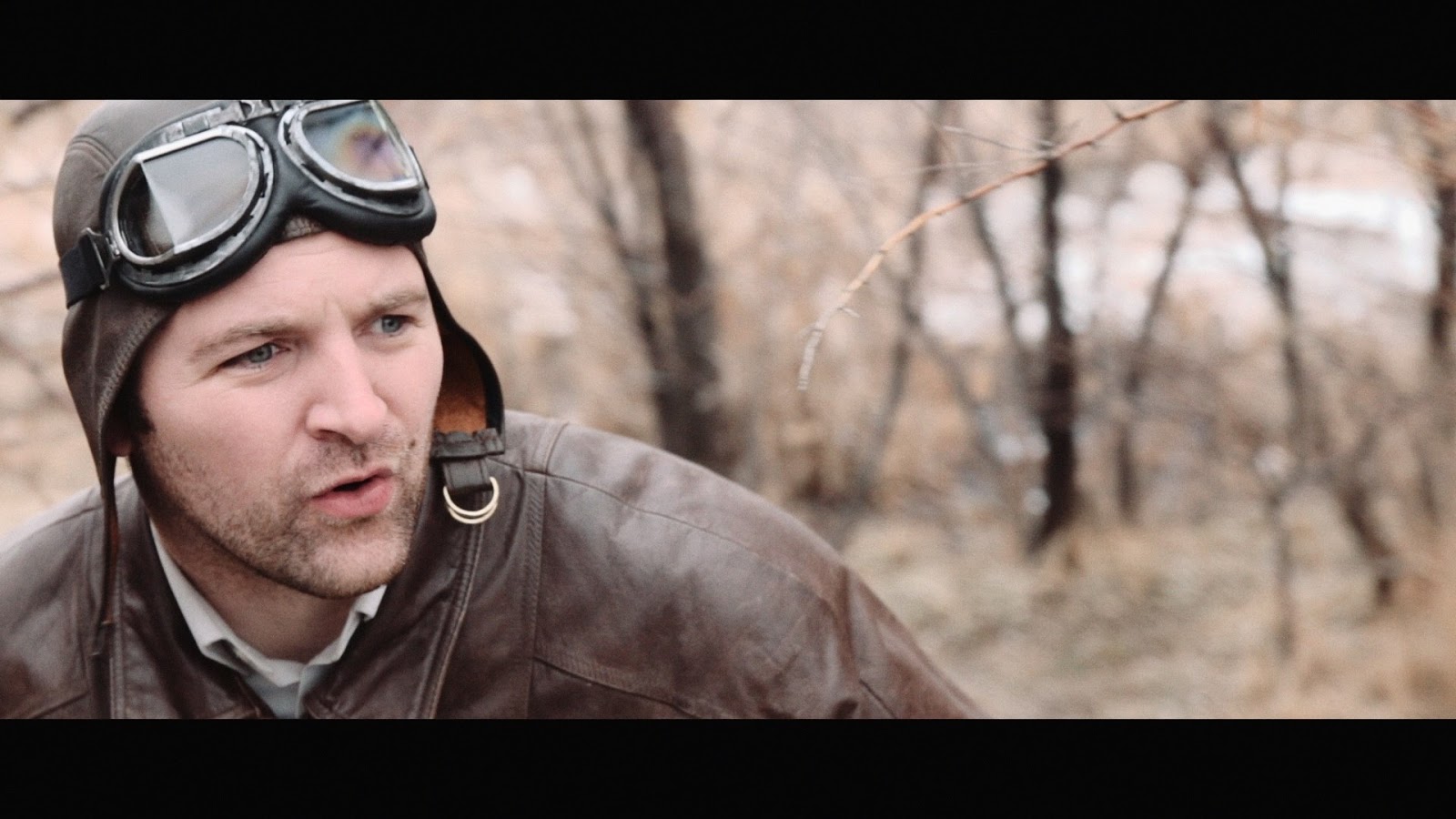
Austin as the American Pilot


Production

We shot the "Field in Germany" scene on an overcast Saturday morning. Overcast was perfect for this scene, as it added nicely to the mood.

I had originally scouted a location for the field, and it was actually a frozen-over Utah Lake:
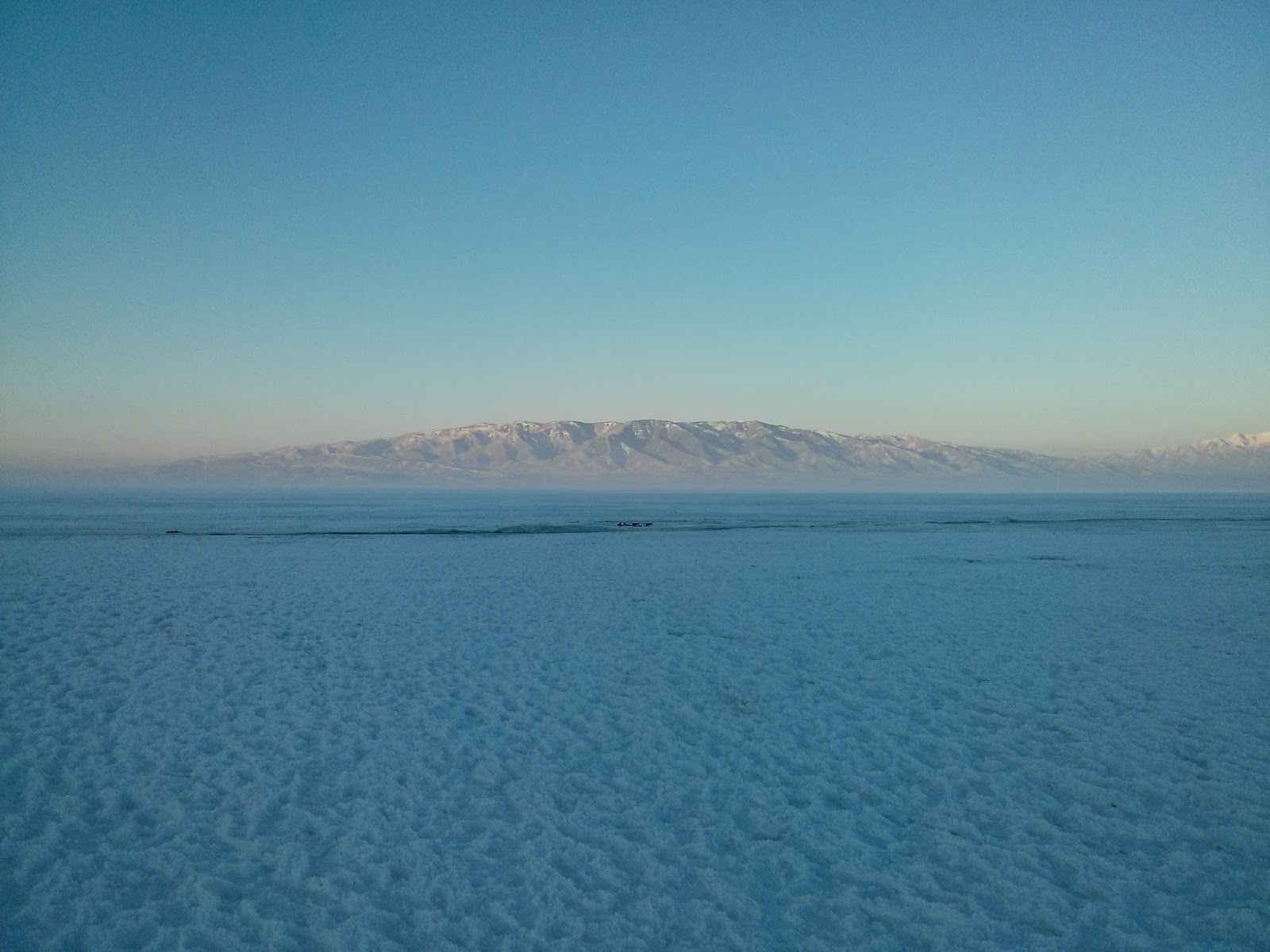
Frozen-over Utah Lake. The low-hanging fog would have added perfectly to the scene.


I wanted it to look barren and desolate, and this fit the bill perfectly! Unfortunately, I scouted this location in late January, and we didn't actually end up filming until the middle of February, and so on the morning of shooting, we went out to the Lake and it was all melted! I couldn't believe it! There was my perfect location (what I had in mind while writing the script), and now it was a lake.

On the way back to my house to think about some other options, we drove by a field that looked like it would work, so we stopped and scouted it out. This is the location that we eventually used, and it worked out great! It wasn't the frozen lake, but it was the next best thing!
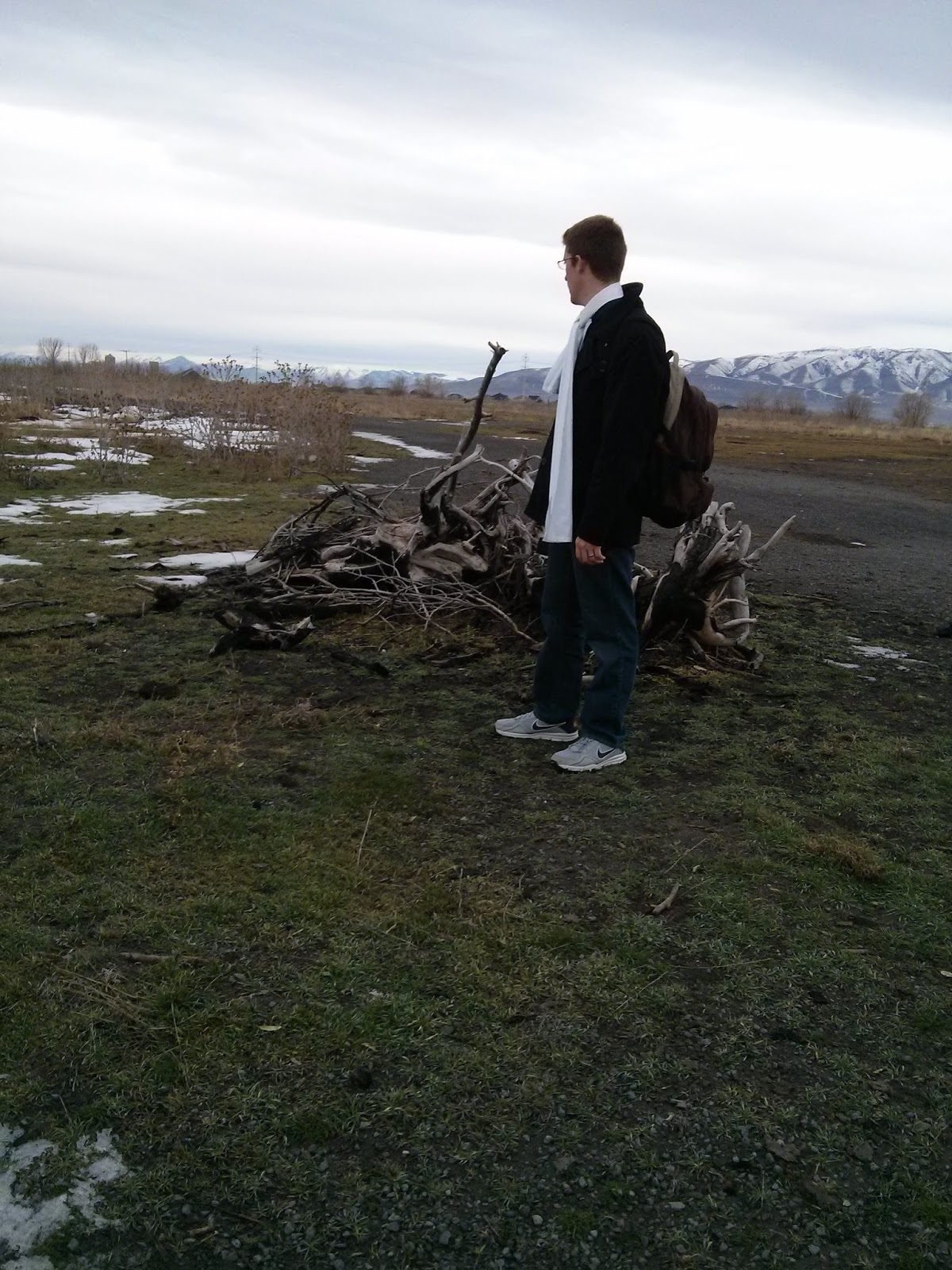
Scouting out the alternate location...
We decided to shoot there, as we were running out of time. Everyone has a schedule, it seems...

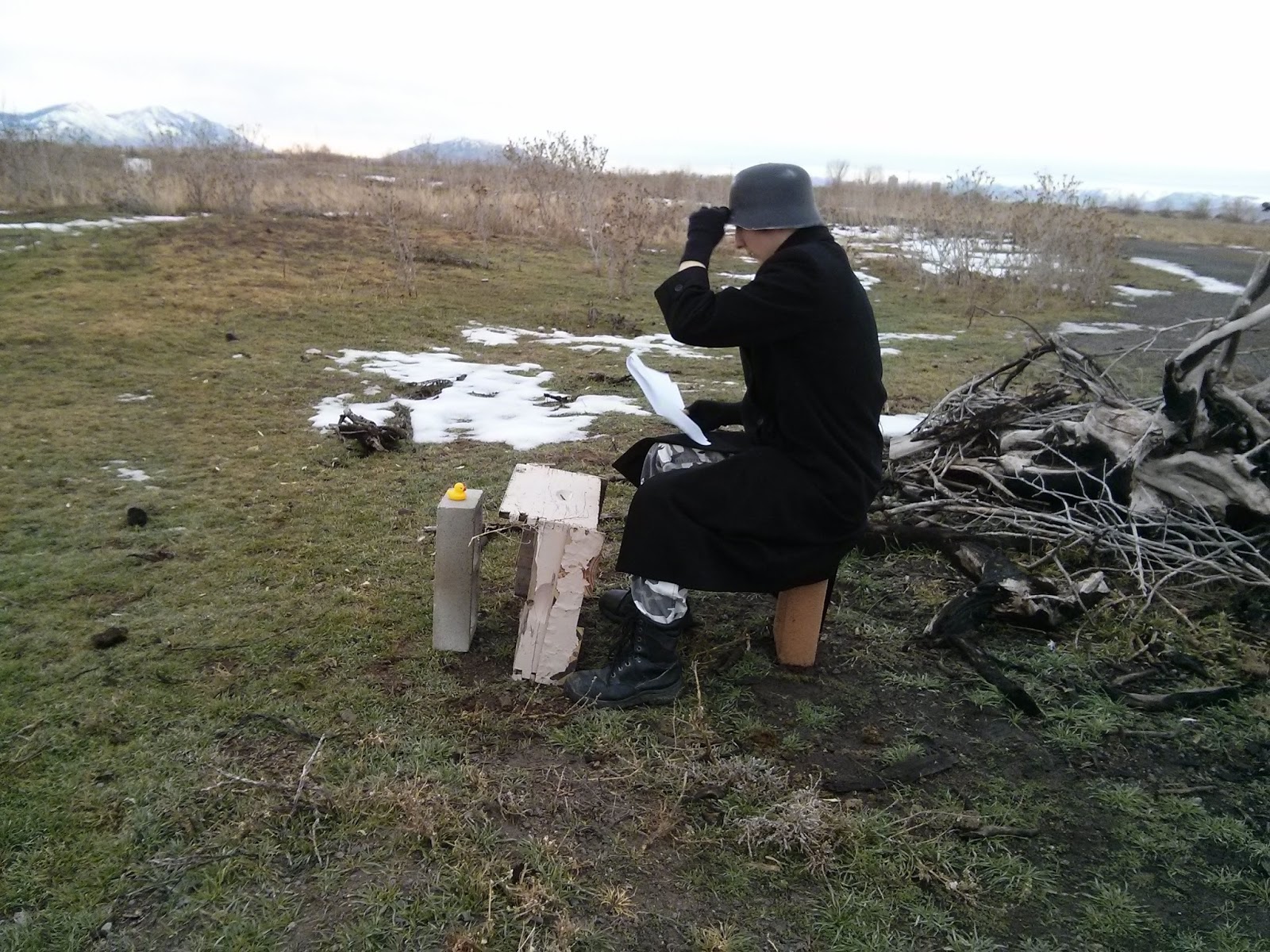
We shot the scene basically chronologically, starting with the German playing cards with the rubber duck. This tells us a lot about his character: he's been there a while, there's not that much action on this side of the war, he's going a little crazy, etc...
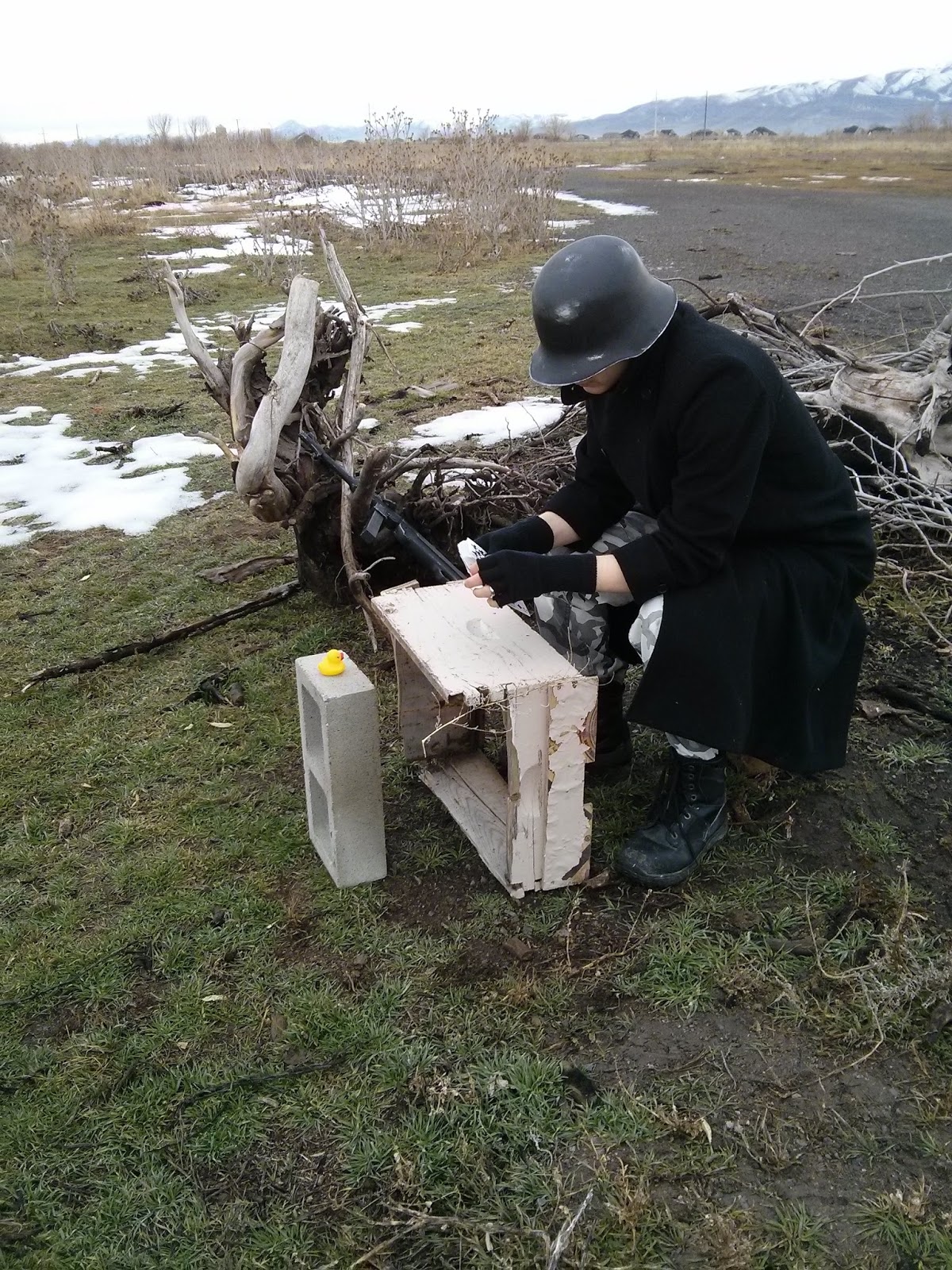
Free production value: we found the cinder blocks and the broken drawer on the location.

Josh reviewing the script before we start shooting

Since I was the one operating the camera, I obviously couldn't be doing the sound at the same time, so my lovely wife once again stepped up and helped me out!
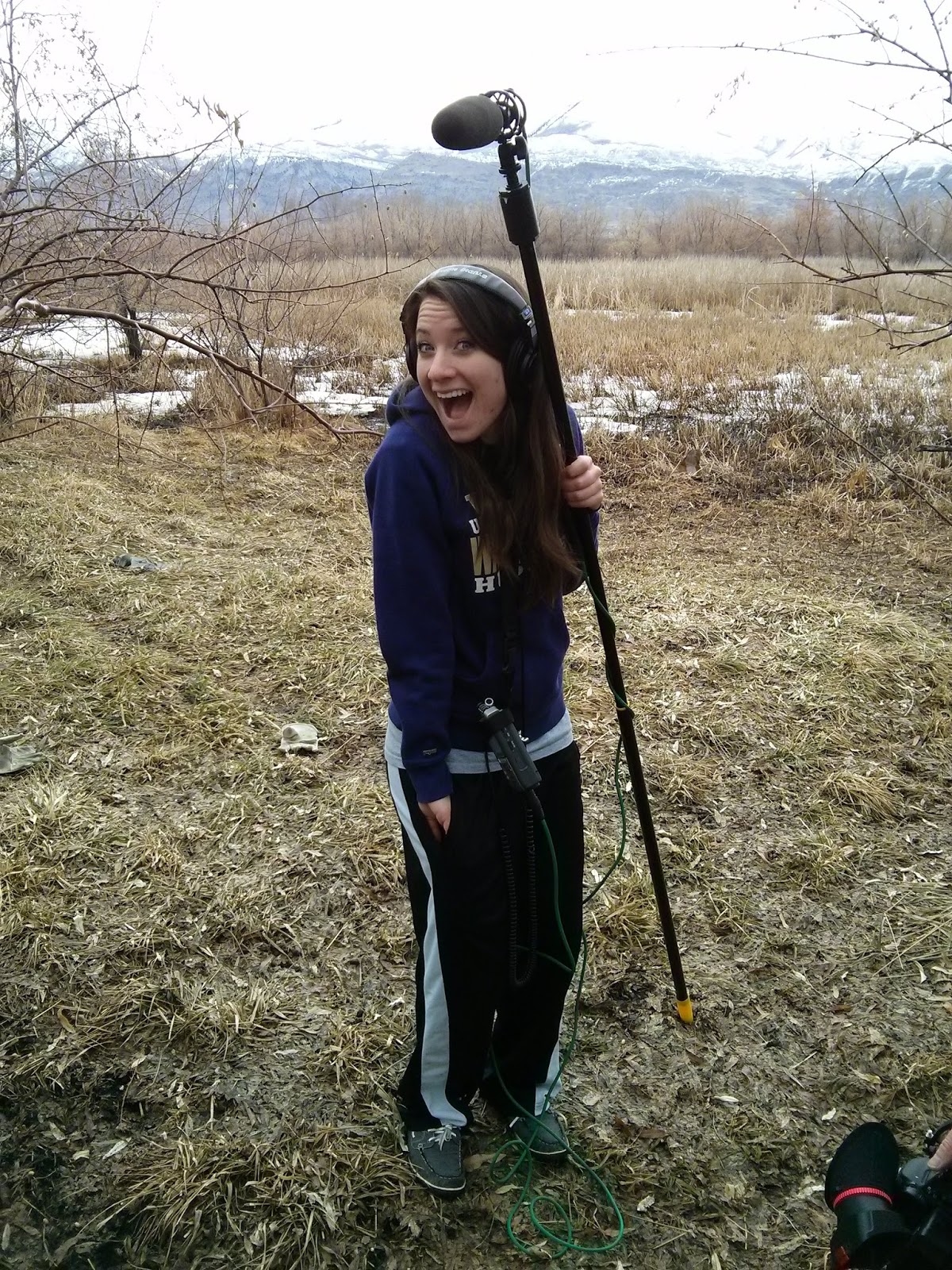
Best boom operator out there! :)

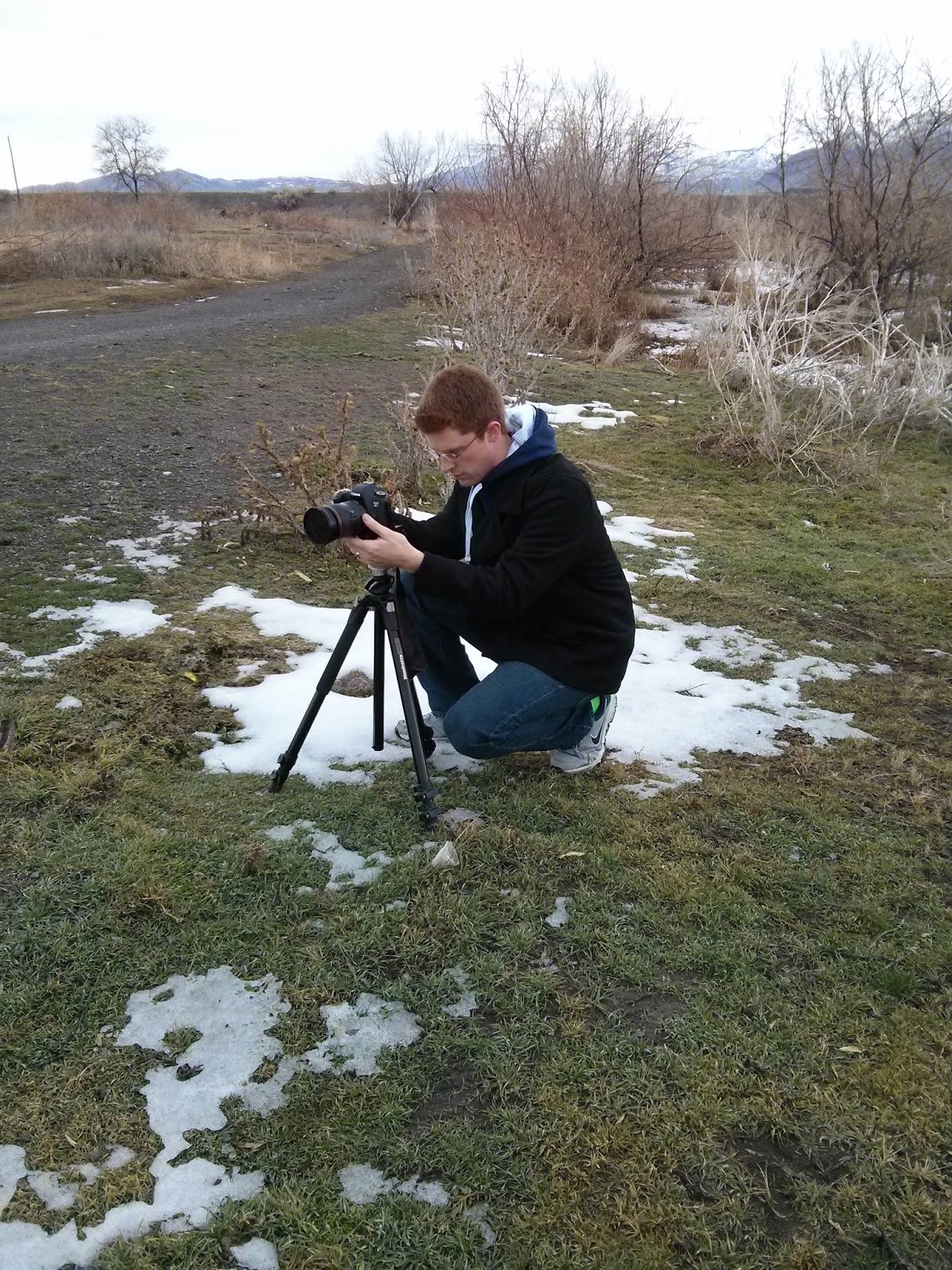
Me, shooting the scene. Notice the green socks. They're my lucky socks I wear on every shooting day.
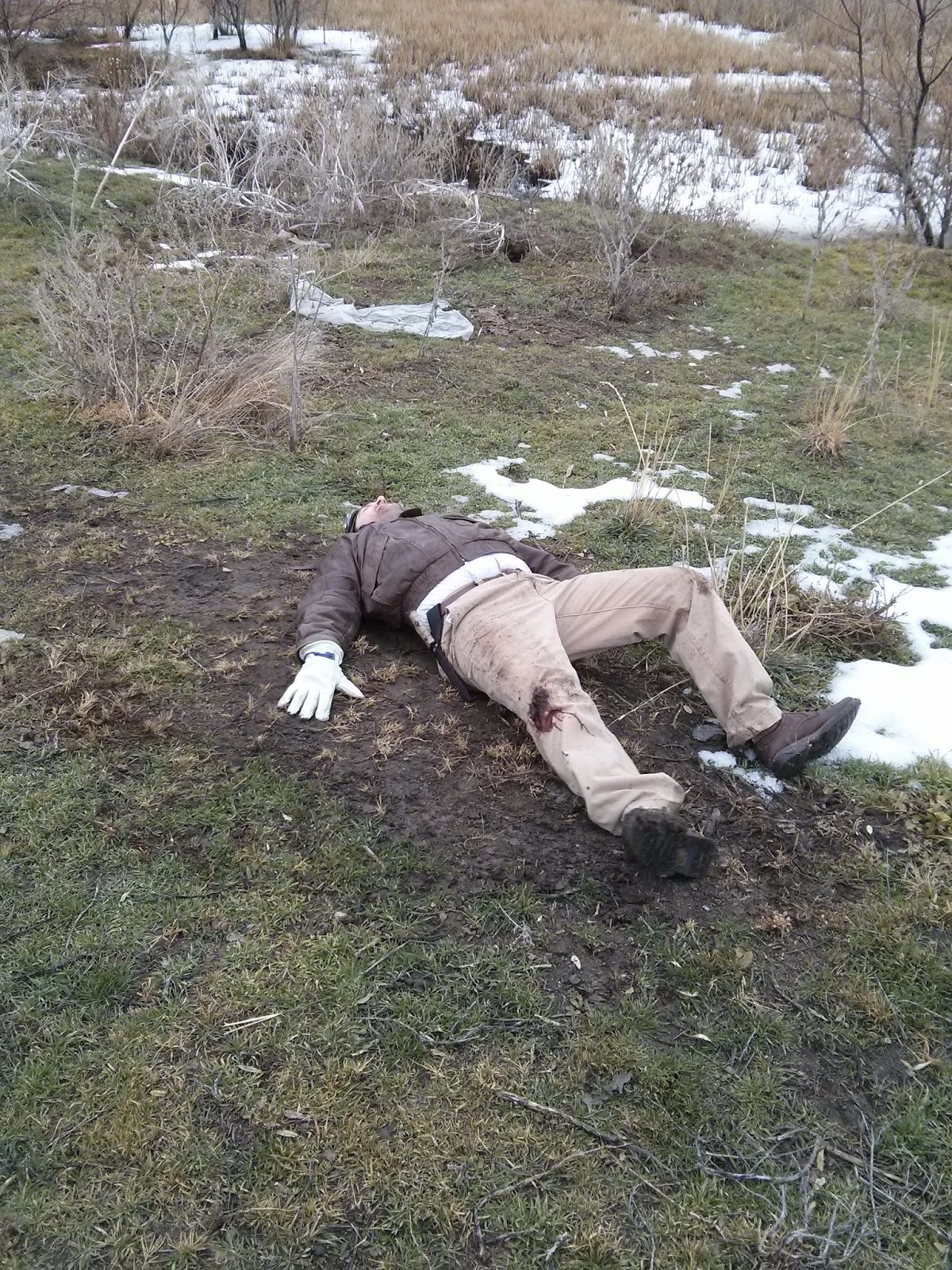
Austin rolled around in the mud to make it look more "authentic". Notice the fake blood on his right knee. A lot was cut from the film to get it down to the 3 minute length required by BYU, but this comes more into play in the director's cut.


So while we were on the location, we found a 5' water barrel that had been discarded. The script called for Austin to be parachuting to the ground, and so we setup the cameras, climbed up the water tank, and when Austin jumped off, I threw the parachute after him, hoping beyond hope that it would inflate and look decent.
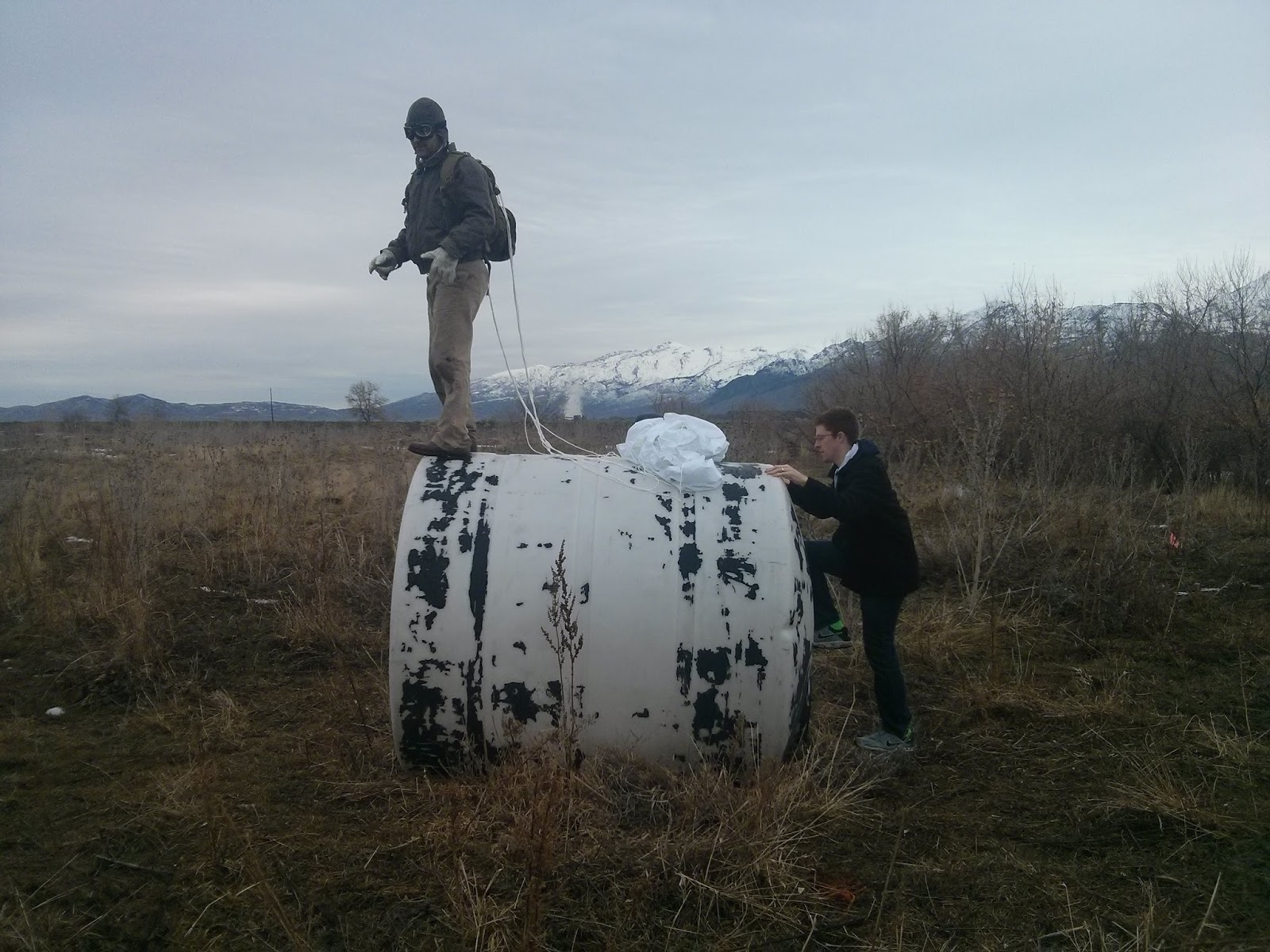
The abandoned water tank. Worked like a charm!
We filmed from 8am to 11:30am, and it was a really, really good time!
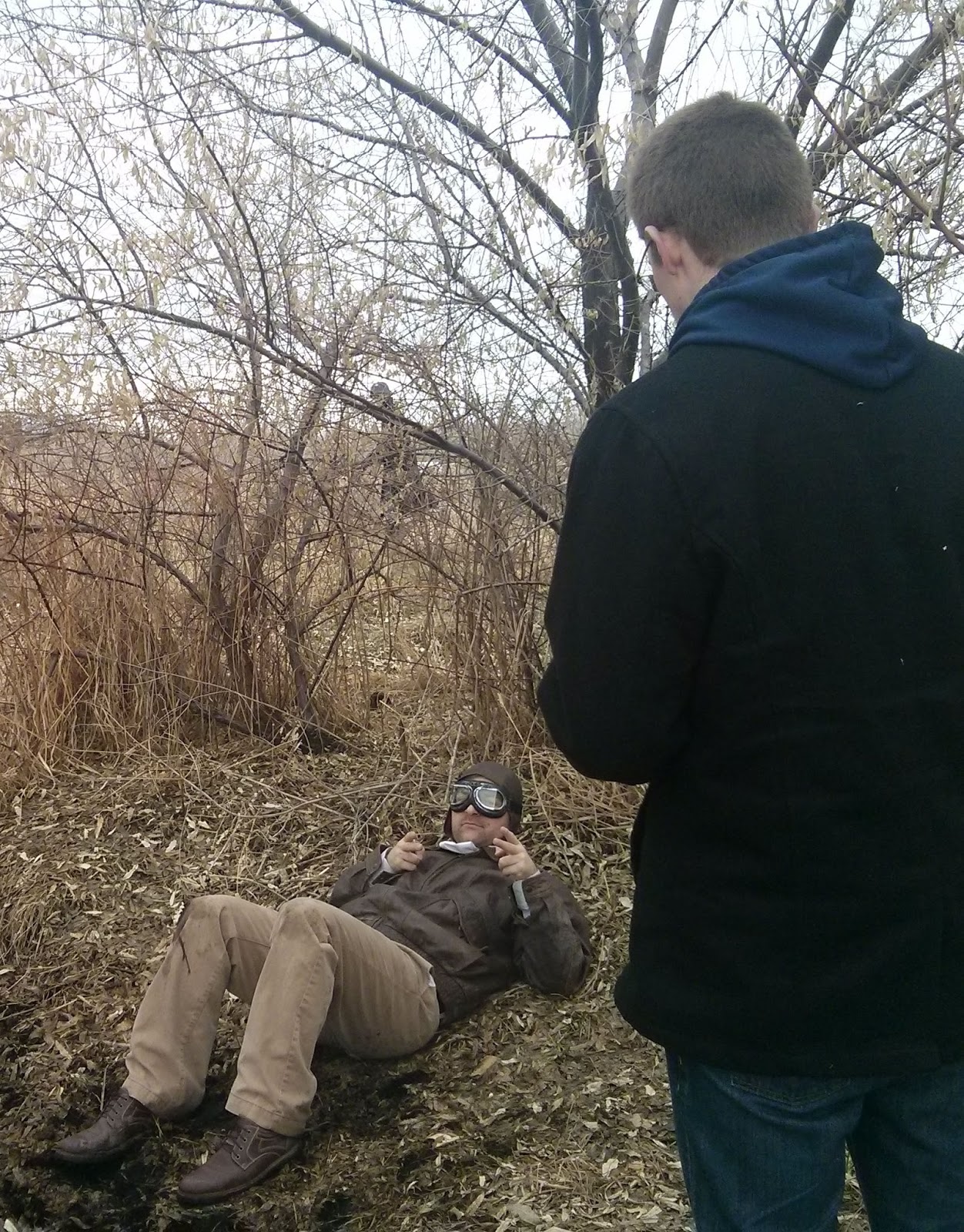

Me directing Austin in the scene

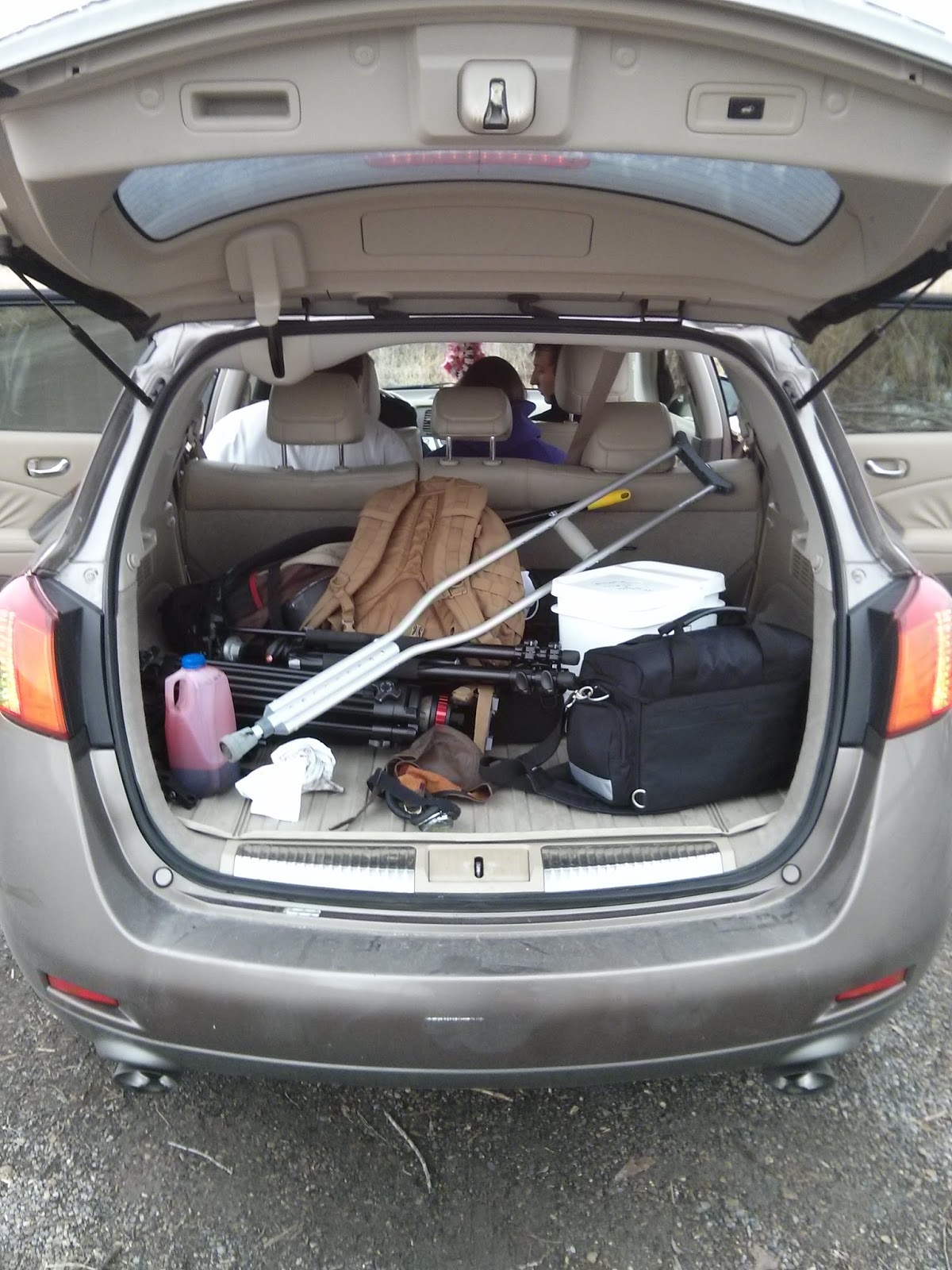
All the props and gear
A note about the external audio recorder that we used: The Zoom H4N is great, but man is it power-hungry! Our batteries ran out about 1/3 the way through filming (I had JUST replaced them a few days prior to the shoot), and luckily Brandon had some spare AA batteries in his backpack for us to use. So if you're planning on recording your audio with the Zoom H4N, then make sure you have extra AA batteries lying around! It's a lesson I almost had to learn the hard way.

The second day of shooting consisted of shooting the beginning and the ending sequences. This is where Brandon fixes the time-watch and then warps back to 1944 Germany, as well as the end scene where he finds out that it didn't work, and so he grabs the Neuralyzer (from Men in Black) so that he can erase his grandpa's memory so that he doesn't go insane after the war.

Originally, Brandon was going to be working on a large, elaborate time-machine, but with the time constraint, I just didn't have the time to build something like that, so it ended up being a fancy watch that transports him back in time. We shot for 2 hours that night.

Shooting the garage scenes
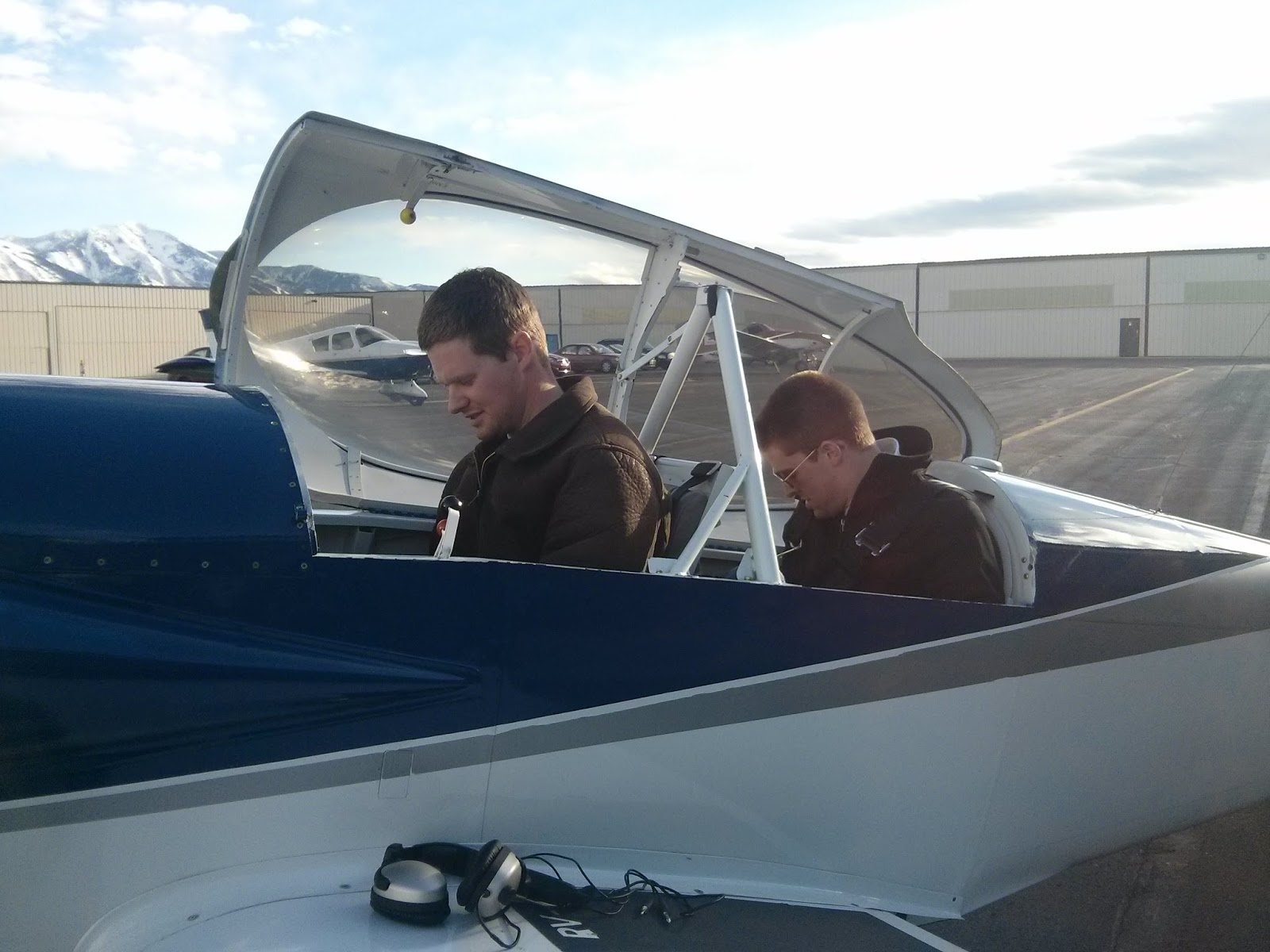
My brother is a part-owner of a small airplane, so I asked him if I could go flying with him and film it for a shot in the cockpit where the airplane is spinning. He loves any excuse to go flying, so we did! Needless to say, after about 3 rolls (we did 3.1 G-force at one point! That's 3.1 times the weight of my body pushing down on me.) I got pretty sick. I didn't end up losing my lunch, but I sure came close!
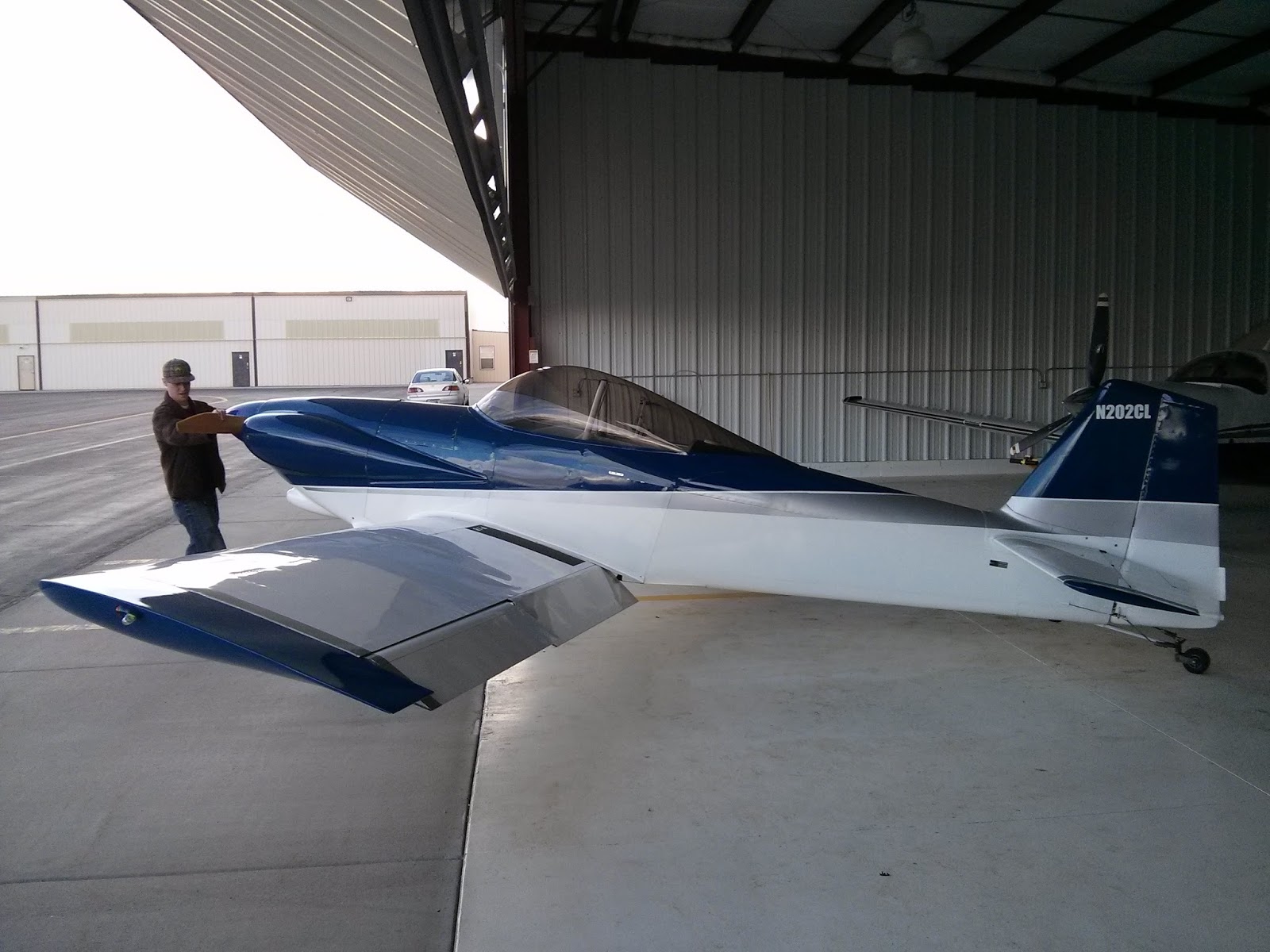
Huge thanks to Brian for letting me go flying with him! 
Brian in the front, with me in the back, strapping into the 5-point harness


I also recorded audio of his plane doing some high-speed passes, which I pitched down a few levels in post to make it sound more beefy. Turned out pretty good, I'd say.

Post-Production

I edited the short over the course of about two weeks, giving myself time to "sleep" on the edit so that I would be able to see potential problems and work out a way to fix them.

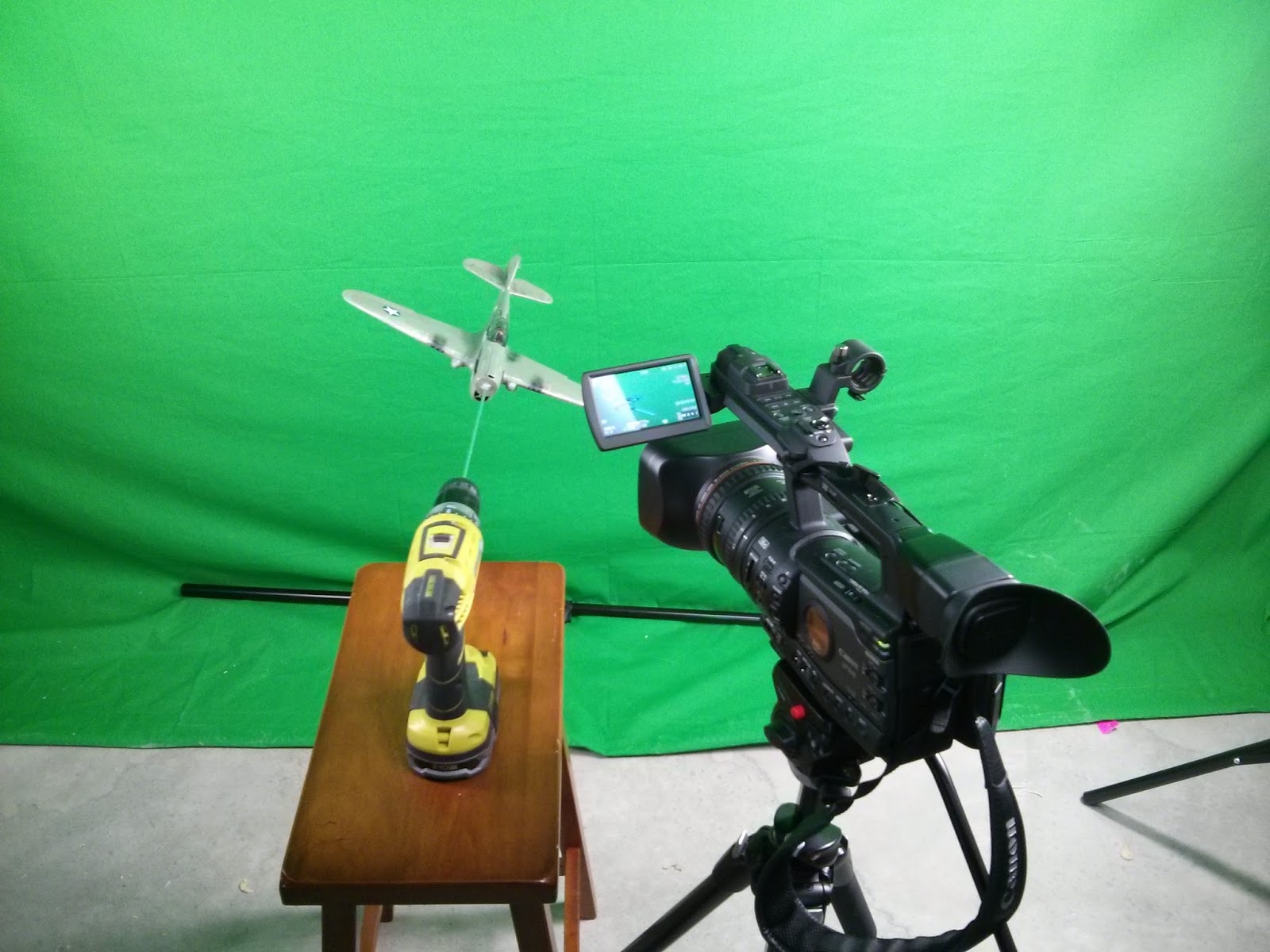
I shot the P-40 model in front of my greenscreen by attaching the steel rod into my drill, and spinning it while filming, so that it would look like the airplane was spinning out of control:
Greenscreen setup in the basement

Filming the model against the greenscreen

Out of all the things that I DIDN'T think about during pre-production, was painting the model green, and then shooting it in front of a GREENscreen. I really should have caught this earlier, and since I was up against the wall time-wise, I didn't have time (or the money) to get a bluescreen. So what this ended up doing was, if you notice in the final film, the model is actually gray, rather than green. This is because the keyer that I used in After Effects, Keylight, thought that the green color of the plane was due to the green spill from the greenscreen, and it got rid of it. So, note to self: make sure that the object you want to key is DIFFERENT than the color of the greenscreen.

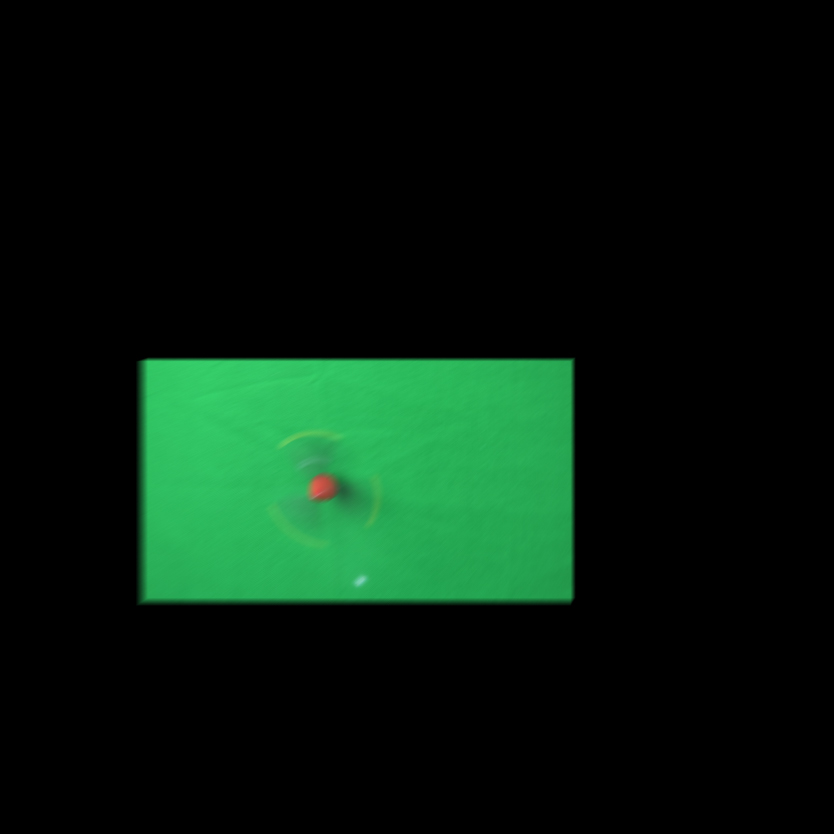
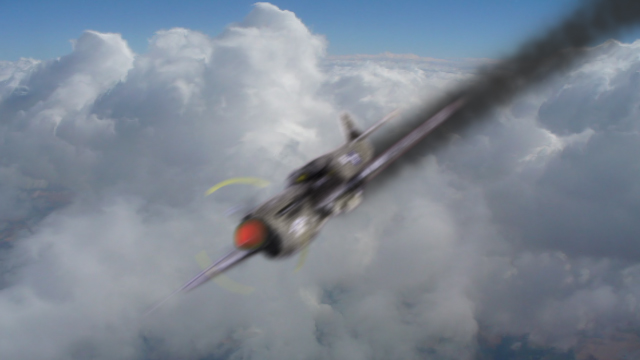
Below is a before and after frame grab. I had to shoot the propeller on a separate pass, and then track and composite that onto the plane in After Effects:
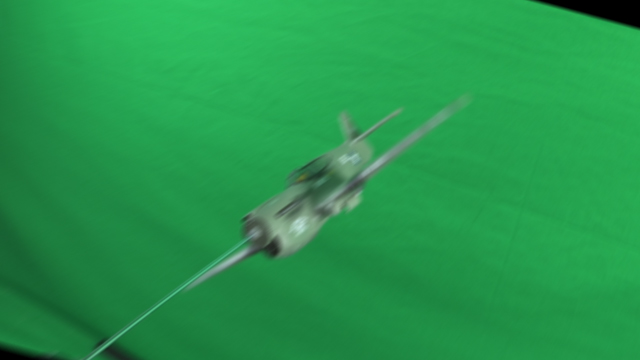
Before

The propeller

Final frame
I made a particle system to look like smoke, and then tracked that onto the plane as well. It's nowhere near perfect, but I think it turned out pretty well for what it is.

There's a shot in the film where the plane has just crashed, and the German soldier is walking off towards the crash to investigate, and I needed to add in some dark smoke into the background, and that required some more tracking and rotoscoping in After Effects:
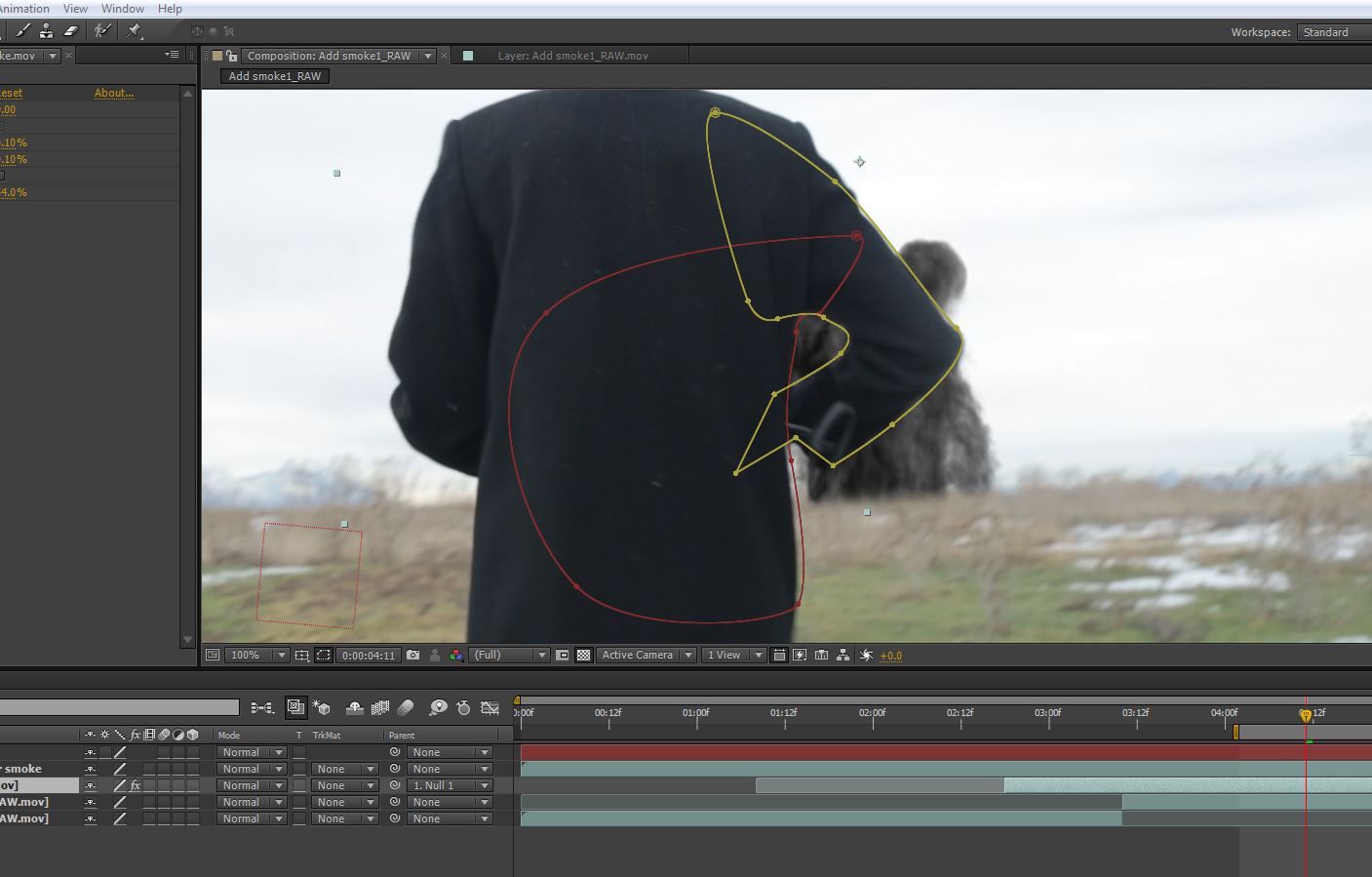
Tracking and rotoscoping in After Effects

So when Brandon goes back in time for the first time, I wanted to show that visually, somehow. I wanted to show a timelapse of the stars spinning really fast, and then show the earth spinning really fast as well. Well, I did a stars timelapse test outside one night, and it looked terrible. Completely unusable. So I went into After Effects, made a silhouette of a mountain, and then made a starfield using the fractal noise effect, and simply animated the stars to move. It looked great, and that shot is in the film:
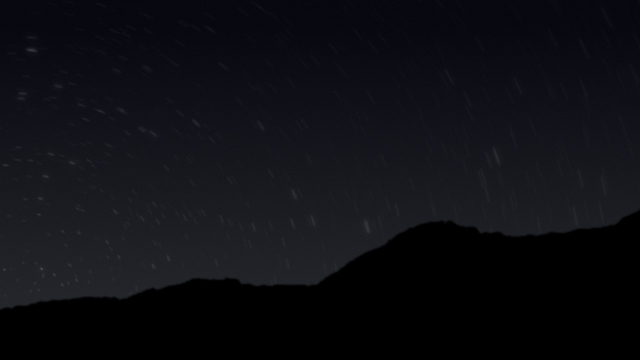
A compromise, made completely in After Effects

For the earth rotating really fast, I again made a starfield in AE to use as the backdrop, then used the CC Sphere effect in AE to map a 4K Earth image into a sphere, and then simply rotated it really fast until I got the desired effect. I then added a slight camera move, and a lens flare to help sell the effect:
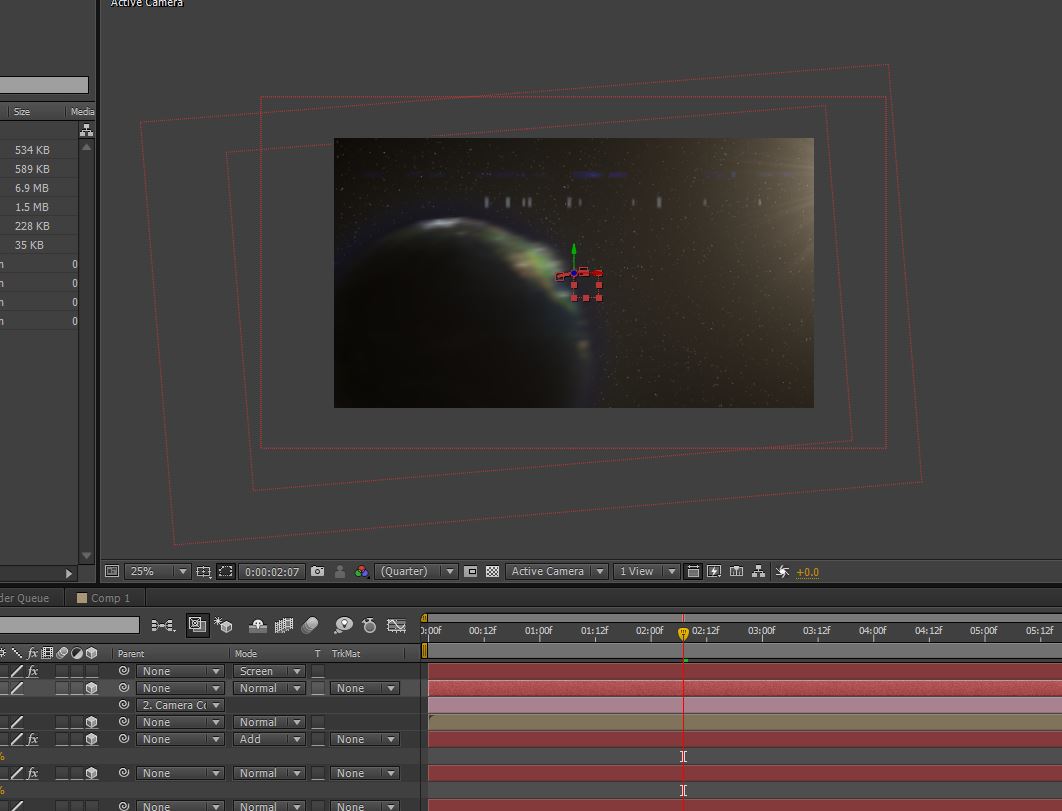
Spinning the globe!
Some of the technical bits: Shot on the Canon 5DIII and the 6D. All audio recorded with a Sennheiser shotgun microphone, using a Zoom H4N recorder. Edited in Sony Vegas, with visual effects and compositing done in After Effects, and then graded in Filmconvert for Vegas.

Conclusion

If you've made it this far, then you're awesome. If there's anything I've learned during this process, it's that you should never give up on pursuing your dreams. If you have a good idea, and you think you can pull it off, then you'd better go for it, and give it all you've got!

 It took a lot of planning and a lot of work to pull this off. All in all, I am pleased with how the final result came out. I couldn't have done it without the support of my wife and my friends who sacrificed their time to help me do this. Also, thanks to my dad and little brother Austin for being my historical/technical advisers, and for letting me pick their brains about model making.

Ultimately, films aren't released, they escape. Thus, since this film escaped today, I will be doing a director's cut shortly, where I can include some more things that were cut due to the 3 minute time constraint. So until then, stay tuned!

Tuesday, February 25, 2014

Movie Behind the Scenes Teaser...

The title might be a little misleading, but whatever. I need the clicks :).

Below are a few BTS stills from a short film that I am furiously working on. As per the title of this post, it's just to whet your appetite until I can manage to write an in-depth blog about everything, from the idea conceptualization, to the sound editing and the visual effects. Everything.


Until the more in-depth blog post, please stay tuned!!

Saturday, January 4, 2014

Filmmaking Tips from Francis Ford Coppola


THREE RULES
1) Write and direct original screenplays
2) Make them with the most modern technology available
3) Self-finance them
Filmmaking can never be mastered
“I just finished a film a few days ago, and I came home and said I learned so much today. So if I can come home from working on a little film after doing it for 45 years and say that – that shows something about the cinema”
A director is constantly coming up against new techniques and technologies. The world is a dynamically shifting place. Before you master something, it will change. Coppola says he refused to teach a Master Class because he believes he’s still a student. I believe the best way to learn filmmaking is to just do it.

Risks are essential
“Even in the early days of the movies, they didn’t know how to make movies. They had an image and it moved and the audience loved it. You saw a train coming into the station, and just to see motion was beautiful. The cinema language happened by experimentation – by people not knowing what to do. But unfortunately, after 15-20 years, it became a commercial industry. People made money in the cinema, and then they began to say to the pioneers, “Don’t experiment. We want to make money. We don’t want to take chances.” An essential element of any art is risk. If you don’t take a risk then how are you going to make something really beautiful, that hasn’t been seen before? I always like to say that cinema without risk is like having no sex and expecting to have a baby. You have to take a risk.
“I was never afraid of risks. I always had a good philosophy about risks. The only risk is to waste your life, so that when you die, you say, Oh, I wish I had done this.”
The most artistic filmmaking comes from the people who take a gamble. It is a gamble not just on the gear but mainly on people – actors, writers, composers, producers, marketing teams – and on ideas. That gamble costs money. Usually your money! At the end of your career is it best to have a load of zeros on the end of your bank balance or to have lived and to have made great films?
Don’t rely on memory, put your ideas on paper
“One of the most important tools that a filmmaker has are his/her notes. [Date them, put the location on]“
One way to do this is to turn your notes into a blog. Many people are afraid of exposing ‘their work in progress’, preferring only to show stuff when it is ready. Be candid – the work in progress says as much as the final film.
If you don’t begin by imitating, you won’t begin at all
“Don’t worry about whether it’s appropriate to borrow or to take or do something like someone you admire – because that’s only the first step and you have to take the first step.”
Ideas are never formed in a vacuum. They are the product of what goes on between minds, between communities, between countries. It helps to borrow (stealing is too strong a word – you’re not depriving the original artist of their work) then develop the idea in your own way. Over time you can create something genuinely new and original from it.
Above: Francis Ford Coppola and Sofia Coppola. With advice this good no wonder Sofia Coppola is a great filmmaker in her own right. This is a glossy ad for a fashion giant, and it pays the bills for his self funded titles.
Don’t rely on selling your art directly
“Try to disconnect the idea of cinema with the idea of making a living and money. Because there are ways around it. You work another job and get up at five in the morning and write your script. Maybe the students are right. They should be able to download music and movies. I’m going to be shot for saying this. But who said art has to cost money? And therefore, who says artists have to make money?”
The idea of people paying to watch films is outdated. In 5 years people will not pay to watch your film, they will not pay to listen to your music. Instead the new distribution model is crowd funding – where you give someone a sense of ownership of the film along with merchandise and a credit as a producer, or working a day job. This could be anything from an office job, to writing for a magazine, or blogging, or teaching workshops on filmmaking, or being paid to produce content and films for businesses.
Listen but filter intently
“A screenplay has to be like a haiku [Japanese poetic form]. It has to be very concise and very clear, minimal. [But when you come to shoot it] you’re going to listen to the actors because they have great ideas. You’re going to listen to the cinematographer because he will have a great idea. You must never be the kind of director, I think maybe I was when I was 18, “No, no, no, I know best.” That’s not good. You can make the decision that you feel is best, but listen to everyone, because cinema is collaboration. I always like to say that collaboration is the sex of art because you take from everyone you’re working with.”
Even as a cinematographer in a specialised role, creating a composition and framing the shot – you are constantly relying on your filter to pair down the shot to something beautiful. The art of photography is reductive not additive. To throw out the stuff that looks bad and only include the stuff that looks good, you first have to know what is good and what isn’t. That is a real talent.

When making a movie focus on a theme
“When you make a movie, always try to discover what the theme of the movie is in one or two words. Every time I made a film, I always knew what I thought the theme was, the core, in one word. In The Godfather, it was succession. In Apocalypse, it was morality. The reason it’s important to have this is because most of the time what a director really does is make decisions. All day long: Do you want it to be long hair or short hair? Do you want a dress or pants? Do you want a beard or no beard? There are many times when you don’t know the answer. Knowing what the theme is always helps you.
“I remember in The Conversation, they brought all these coats to me, and they said: Do you want him to look like a detective? Do you want him to look like a blah blah blah. I didn’t know! And [because the theme was privacy] I chose the plastic coat you could see through. So knowing the theme helps you make a decision when you’re not sure which way to go.”
Cast with improvisation sessions
“With improvisations, they really stick if there’s something sensual connected with them, like food or eating or making something with their hands.”
I think improvising is better than sticking rigidly to a script when casting an actor, because the actor is forced to give more of their personality. Rather than forcing them to get their head into a character, see what they are like as a person and what they bring to the film as a character in their own right, see if they are a fit to the script. I believe the best actors should be like close friends on the same page as you, and firing ideas back and forth. It takes a long time to find a creative team, including actors, writers and other collaborators in filmmaking but it is worth persevering.
Don’t force anything.
Above: Coppola with Woody Allen and Martin Scorsese in New York
Have conviction in your vision and ‘bake the scene in the oven’
“When I was young on a movie set, I would try to stage the scene and the actors would read it, and I said – Well, you stand here and you sit there…[But] They would say – Well, I don’t think I should sit there, I should stand there. And I don’t think this line is right….And they would begin to challenge the text. What I learned, which is a simple idea, is that if you hold out with your vision a little bit, it’s like a cake being put in the oven. The scene doesn’t work immediately, you have to bake it a little bit. It’s unfair, when you begin to create a shot, say, or a scene, that it’s going to immediately be like those beautiful scenes in the movies. It needs a little bit of time to mature.”
Kubrick was famous for take after take, after take. This is a bonafide working technique that delivers. A scene morphs and shifts as it bakes in the oven. The trick is to know when to take it out.
Don’t lie to yourself
“You never have to lie. If you lie, you will only trip yourself up. You will always get caught in a lie. It is very important for an artist not to lie, and most important is not to lie to yourself. There is something we know that’s connected with beauty and truth. There is something ancient. We know that art is about beauty, and therefore it has to be about truth.”
Pair down the shots to those that move the story forward. Nobody wants to see a character walking around from room to room in a lame attempt to introduce some tension, pacing or build up. The hand of the artist, when writing and directing, is all about touching what provides atmosphere, drama, emotion and intrigue and what is just surplus to requirements.
Have confidence
“The artist always battles [their own] feeling of inadequacy. Self confidence is the biggest barrier to becoming a filmmaker. We are very insecure. People are insecure, not just young people. Everyone is insecure.
“They say that Barbara Streisand, when she goes on, she has a panic attack. She feels she can’t sing. Of course, she can sing. I believe that when you write something, when I write something, I turn it over and I don’t look at it. Because I believe the writer, the young writer, has a hormone that makes them hate what they’ve written. And yet, the next morning, when you look at it, you say, “Oh that’s not bad.” But the first second you hate it. ”
Even the greatest artists have doubts. Can I do it? Filmmaking is such a mammoth effort that you have to be crazy to devote so much time to something you think you might not be any good at. But it is far easier (and less risky) to fail due to lack of faith than it is to fail trying.

Saturday, December 7, 2013

DIY "Anamorphic" Lens Flare

We've all seen them. Horizontal lens flares that streak across the screen. If you've seen Star Trek, then you know what I'm talking about:


JJ Abrams likes him some lens flares. So does Michael Bay:


These are great examples of the anamorphic lens flare. A lot of Indie filmmakers dream of making images that look like this. In order to get images like this, you need an anamorphic lens. The only problem is though, that those puppies cost thousands and thousands of dollars that said Indie filmmakers don't have.

Recently though (within the last year or so), I have seen a surge of DIY solutions that don't cost much to put together, and you can use the lenses that you already have, and the best part is (I think), that you get the coveted horizontal flare (!).

I put anamorphic in quotations in the title, because technically it's not an anamorphic lens flare. It just looks like one.

So here's the skinny: get some fishing wire (I got the 30 lb. stuff), and run it vertically (yes, you read that right: run the fishing wire vertically for a horizontal flare) in front of your lens. Now, here is the place where I should mention that your lens needs to be at least a 50mm. If it's not, then the flare won't extend across the whole frame.

I tried out this little trick with a lens that I don't really use all that often anymore: the 14-42mm kit lens that came with my Panasonic GH2. I drilled a hole in the top and bottom of the lens hood and threaded the wire through both holes. I knotted the wire on the top and the bottom so that it would be tight.

EDIT:
Here is a few seconds of the test that I did last night:


So it's super noisy (ISO 6400 or so), but you get the idea. The flare is there, and all with my cheapo kit lens! Granted, this was at 42mm with ETC mode on (which works out to be about 100mm or so on a Full Frame equivalent).

This was just a quick and dirty test, and I will update this post once I have done more with it. I currently have some step-up rings coming for my 24-70 and 70-200 lenses to see what this flare will look like on a full frame sensor rather than a Micro 4/3 sensor.

I'll keep you posted.

Wednesday, November 6, 2013

Battle of the NLE's - Noam Kroll

Saw this over at Noam Kroll's blog and thought I'd re-post it here. Noam is a great cinematographer and if anyone needs anything shot, you should look him up.


"The future of the three major video editing platforms – Avid, FCP X, and Premiere Pro is a topic that has been coming up a lot lately. Since FCP X was released and shook up the post-production world over two years ago, a lot has changed. Premiere Pro has developed really nicely and gained some ground with indie filmmakers and small companies, Avid has stayed on course and brought back former users despite financial trouble within the company, and FCP X has slowly and silently matured, while being given a second look by many users that had previously abandoned it.
Right now many editors are still in limbo and the debate as to which NLE will dominate the market (if any) seems to have heated up again lately – likely due to the upcoming release of both FCP X 10.1 and the new Mac Pro. This is also probably why I’ve had lots of editors asking me which of the major NLE’s are worth learning in order to stay relevant and employed as an editor today. Throughout this article I’ll touch on the current state of each of the various NLE’s and not only speculate on their future, but also give insight into whether or not they are worth taking the time to learn based on what your needs are.
I’d like to preface the post below with this - I use all of the the major NLE’s (FCP 7/X, Avid, Premiere Pro), but can’t say one is better than the other, and that’s not what this article is about. Picking the right NLE is simply a personal decision that should be made by experimenting and finding the software best suits your needs.
So let’s jump right into it and look at our options:
Avid Media Composer 7

While the latest version of Media Composer isn’t radically different from previous iterations of the software, it is undoubtably a solid and extremely reliable piece of software in today’s post-production world. To this day, the vast majority of studio level feature films are cut on Avid MC, and it’s used on a massive amount of television series and other broadcast content. Although in many ways the program feels clunky, older, and generally less intuitive to use than some of the other NLE’s out there today – it does what it’s supposed to do, and it does it really well. In fact, for collaborative editing (as most post-houses are set up for, especially those handling TV series), it is still unmatched by Premiere Pro and FCP X. Neither of them really come close. Not to mention the software has been around long enough and matured long enough to trust it unquestionably with large scale, media intensive projects.
The issue with Media Composer right now is that even though so much high end content is being cut on it, the larger markets (low budget/independent/commercial, etc.) have largely stayed away from it. I don’t have any colleagues or friends that switched from FCP 7 to Avid, other than one that had to because the post-house he works for switched over. The lack of users switching over is likely due to the steep-ish learning curve of MC, but nonetheless the point is that Avid is having a lot of trouble right now. Every quarter they have been losing money, and there’s only so much longer they can function as a company given their financial losses. For this reason, I think Avid may have a really rocky future ahead. Just because they are still industry standard in some circles, doesn’t mean it will last forever. Who knows though, they may be able to pull themselves out of this slump with a drastic move aimed at the larger market, but in my opinion if you’re just learning an NLE for the first time – this probably isn’t the one to choose. That might sound pessimistic, but unless you live in NY or LA and want to work immediately at a large post-house (which are a dying breed as well), then you are better off putting your focus elsewhere.
FCP X
I’ve been using FCP X since it’s first release (10.0.0), and have been very happy with what Apple has done with it. While many editors still won’t give it a chance, more and more have decided to give it a go, and lately I’ve even found myself being less embarrassed when telling people I use it! The radical new design and functionality is definitely not for everyone, but there’s no denying that Apple is committed to making the software extremely powerful and very competitive. In my opinion, FCP X is the most evolved, efficient, and forward thinking system out there. And with the upcoming 10.1 release in December, things are going to get really interesting. I’m sure there will be a load of new features integrated, many of which will take advantage of the power of the new Mac Pro that will be released around the same time. To put it in perspective, the new Mac Pro is said to be able to edit up to 16 streams of multi-cam 4K video simultaneously. That’s pretty amazing.
So while I do see FCP X having a very optimistic future given the developments over the last year, there are still some large issues to be addressed, and major roadblocks that may prevent it from ever taking the place of Media Composer. The biggest issue is of course the difficulty of working with it in a collaborative environment. Until this is addressed, FCP X will never be able to penetrate the broadcast/high end feature market, or at least not as a primary NLE. That said, I don’t see FCP X’s controversial features like the magnetic timeline (which I really like), being an issue long term. Some new FCP X features take some getting used to, but eventually they seem to grow on most editors and convert even the most cynical users of the product. The upcoming release of FCP X 10.1 may very well address the issue of working in a collaborative environment, but until that happens I would advise that anyone learning the software should do so to work on their own projects, or at least on projects where they can choose the software they’re cutting on. In other words, if you’re learning a new piece of software just to get hired at a big post house, this isn’t for you. Avid is what you want. But if you want a really powerful and affordable tool for your own work, then FCP X is hard to beat.
Premiere Pro CC
I have to give Adobe a lot of credit for taking the bull by the horns and putting a lot of manpower behind the last couple of versions of Premiere Pro. Since FCP 7 was EOL’d, the Premiere Pro team seem to have made a conscious effort to not only improve the software dramatically, but cater it in many ways to former FCP 7 users, making the transition easy. In a lot of ways Premiere Pro feels like a hybrid of FCP X and Avid to me, both in terms of the design characteristics and general functionality. Adobe is very aware of what it’s users want and take the best features and ideas from other NLE’s and integrate them into Premiere Pro. It is one of the most flexible editing systems out there, taking just about any video format you can throw at it, and integrating beautifully with third party apps as well as seamlessly integrating with other Adobe applications like After Effects and Speedgrade.
Generally I think Premiere Pro has a real chance of sustaining itself as a growing, evolving, mature NLE. That said, there are a number of issues that are also plaguing Premiere Pro right now that may well prevent it from developing to the level that FCP 7 had reached. The biggest issue and setback for Adobe so far, has been their forced Creative Cloud model. A lot of Premiere Pro users were of course upset by this and have since taken a second look at FCP X or Media Composer. And the ones that have stayed, aren’t necessarily the most dedicated users. Out of all of the editors I know that use Premiere Pro, very few of them are married to it as they once were with FCP 7. I do have one or two colleagues that are big supporters of it (and I myself think it’s great and has it’s place), but a lot of users that I know seem to approach it almost as a temporary solution – waiting to see how it will develop compared to the other NLE’s out there. So generally, I think Premiere Pro has a fighting chance, but has been playing catch up with FCP 7 for too long and hasn’t yet made as big of a splash as it has the potential to.
So where does that leave us?
It’s a confusing time right now, especially for new editors or those just now finally switching from FCP 7 to another NLE. Is Avid the way to go given it is still industry standard? Or is a waste of time given the state of their company. FCP X has promising new features, but is largely rejected by many large scale productions, so why bother converting when it may never be fully accepted? And then we have Premiere Pro which is another feature rich, modern piece of software, but it requires that you rent it and also hasn’t been adopted by most large scale post-companies and productions.
The answer to these questions really just lies in the type of user you are. If you see yourself editing episodic TV in a major city and know you’ll work in a collaborative environment, than Avid is unquestionably the way to go. Alternatively, you might be an independent filmmaker or producer, looking for a modern, low cost editing solution that will get the job done really efficiently, in which case you can either look at FCP X or Premiere. Choosing between these two in my opinion is simply a matter of taste. Maybe you thrive on change and enjoy the creative freedom that FCP X allows, or maybe Premiere’s approach of integrating great components from other NLE’s makes it the most well rounded for your type of work.
The good news is that it doesn’t hurt (or even cost anything) to try out any of the three major NLE’s. If you haven’t already done so, I would actually suggest you do just that – learn all three. At least on a basic level and see which one clicks with you. Even if you never think you’ll use all three systems, knowing them all will only make you a better editor and a more valuable asset to any team. If I had to put money on it, I would say that the next 6 months will give us a much clearer idea of what the future holds for all the major NLE’s. The release of the new Mac Pro will be the final test of whether or not FCP X will be given another shot on a large scale, and depending on how the release plays out, the ripple effect will surely change the course of both Avid MC and Premiere Pro.
Regardless of which software you choose, remember that they are all just tools. None of them will make your film better, they will only help you achieve your vision."